
How restaurants use digital signage
Restaurants deal with fast-moving information. Menus change, promotions run for limited periods, and staff need to stay informed across shifts.
Digital signage for restaurants helps you communicate everything clearly - to customers and to your team - without relying on printed materials or manual updates.
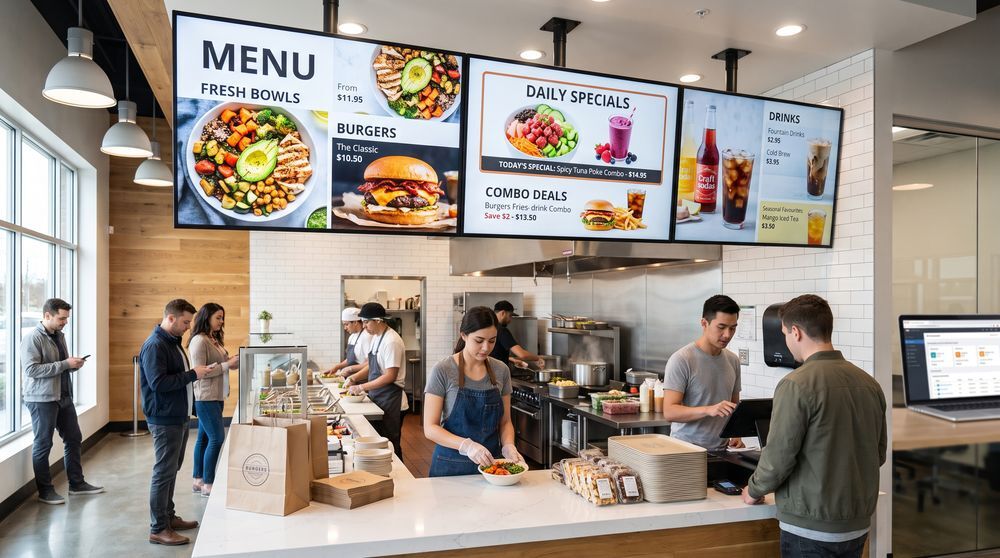
Menu management
Keeping your menu boards accurate is one of the most common challenges in food service.
With TDM, you can update prices, add or remove items, and promote daily specials directly from your browser - across one location or many. No printing, no delays.
Promotions and upselling
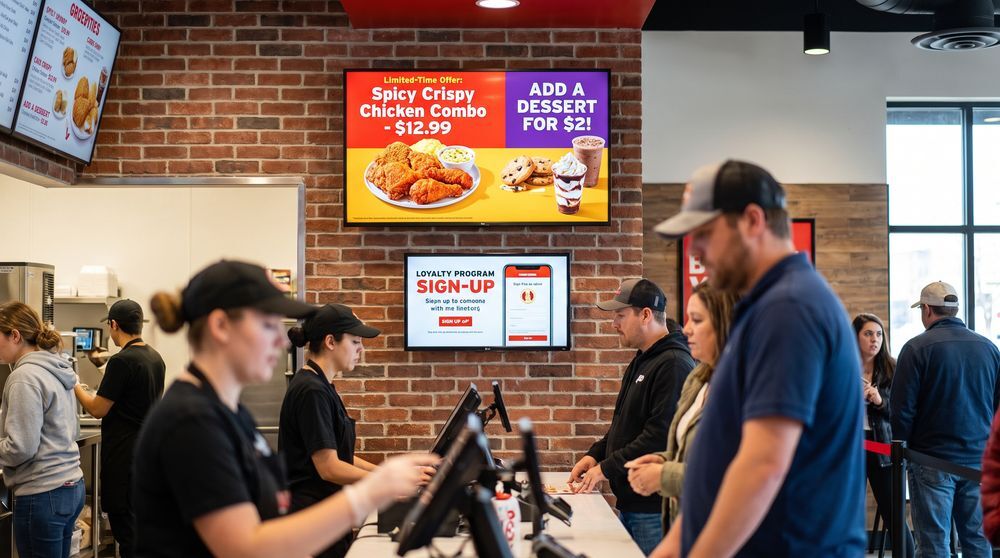
Screens near your counter or in your dining area are valuable space. Use them to promote meal deals, limited-time offers, or high-margin items.
Content can be scheduled in advance so your promotions go live exactly when you need them.
Staff communication
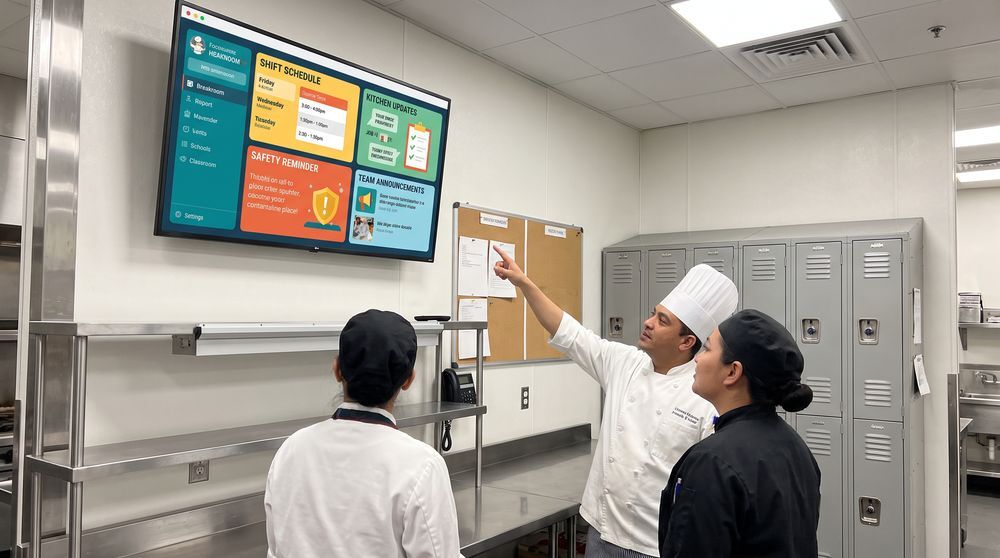
Digital screens aren't just for customers. Display shift schedules, kitchen updates, safety reminders, or team announcements on back-of-house screens.
It's a reliable way to keep your team informed without relying on noticeboards or group messages.
Common ways restaurants use TDM Signage
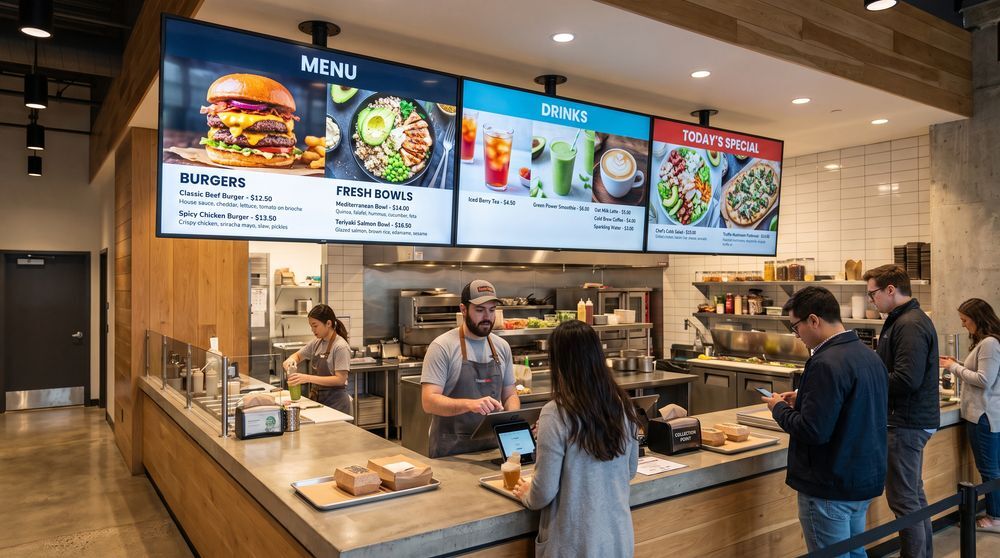
Digital menu boards
Replace static printed menus with screens you can update instantly. Keep pricing, items, and descriptions accurate at all times.
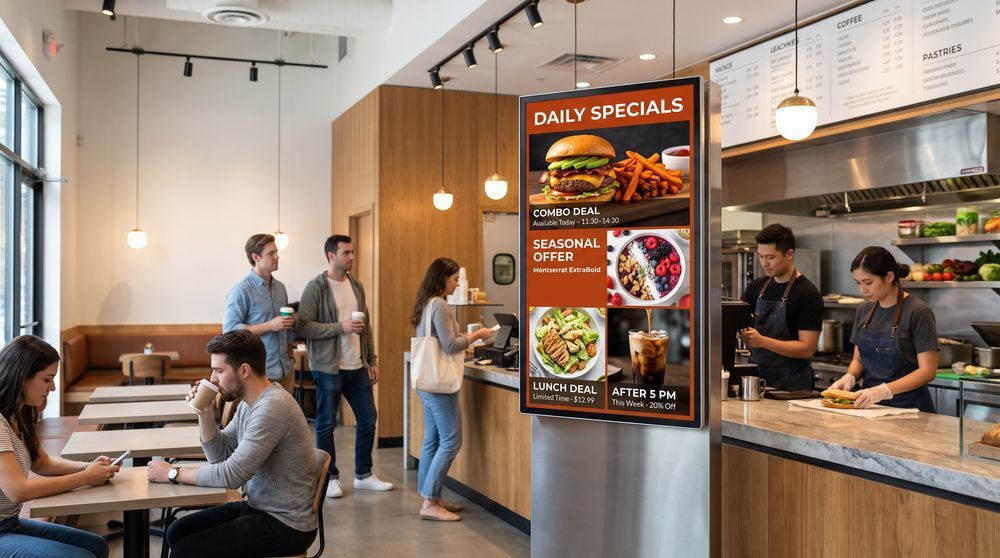
Promotional displays
Highlight daily specials, combo deals, or seasonal offers on customer-facing screens. Schedule content in advance to match your service hours.
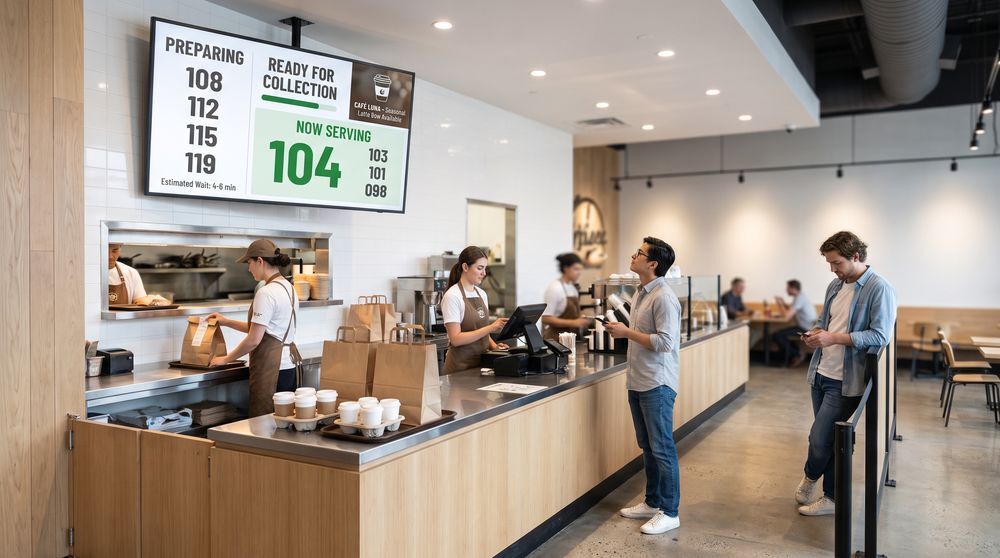
Queue and order screens
Keep customers informed at the counter or waiting area with order status updates, wait times, or branded content.
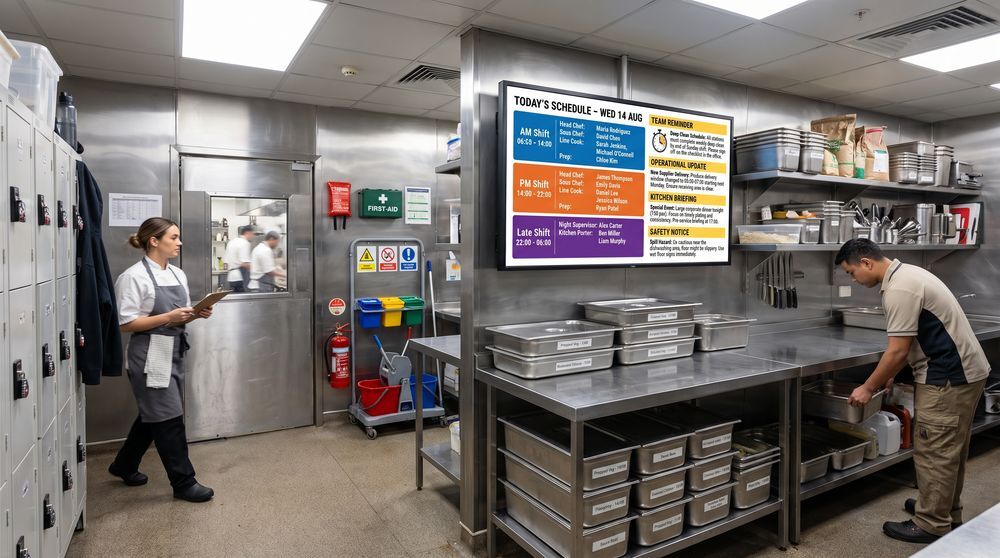
Back-of-house communication
Use screens in staff areas to share schedules, reminders, and operational updates with your team throughout the day.
What changes when you use TDM Signage

Faster content updates
Change a price, add a special, or swap out a promotion in minutes - from any browser, without needing to be on-site.

Consistent messaging across locations
If you run multiple sites, keep all your screens aligned. Publish the same content everywhere or customize by location, all from one account.

Less printing, less waste
Remove the ongoing cost and effort of printing menus and posters. Digital screens give you more flexibility at a lower long-term cost.

No technical skills required
TDM is designed to be used by anyone on your team. Creating and scheduling content is straightforward, even without design or IT experience.
Features built for restaurant operations

Content scheduling
Set your content to go live at specific times or days. Breakfast menus, lunch deals, and evening promotions can all run automatically on a schedule you define.

Multi-location management
Manage screens across all your locations from a single account. Publish content to all sites at once or configure each location separately.

Template library
Choose from over 200 ready-made templates to create professional-looking menu boards and promotional content without needing a designer.

User roles and permissions
Give your managers or team members access to specific screens or locations only. You stay in control of what each user can edit or publish.