
Digital signage by industry
TDM Signage is used across more than 30 countries in a wide variety of sectors.
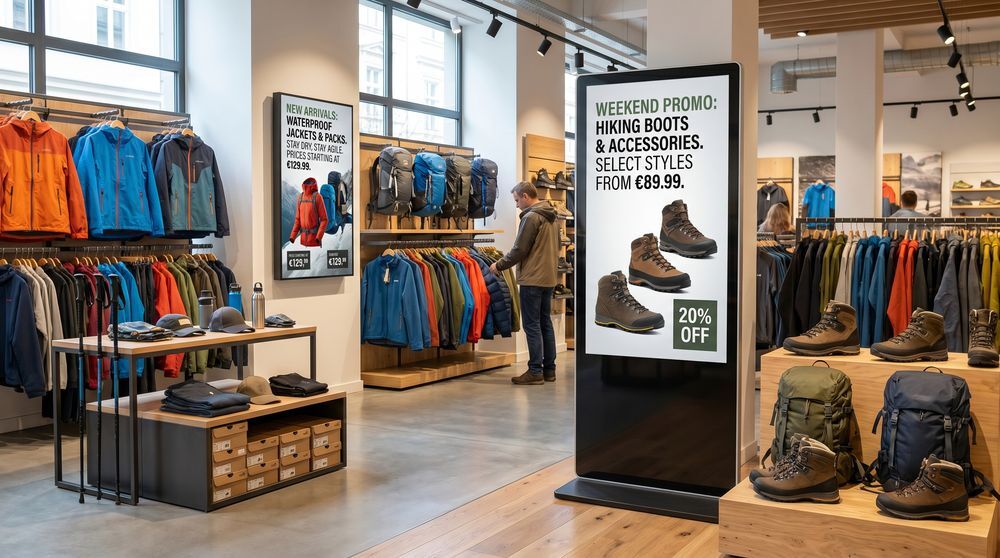
Retail
Display promotions, pricing updates, and scheduled campaigns across one or multiple retail locations.
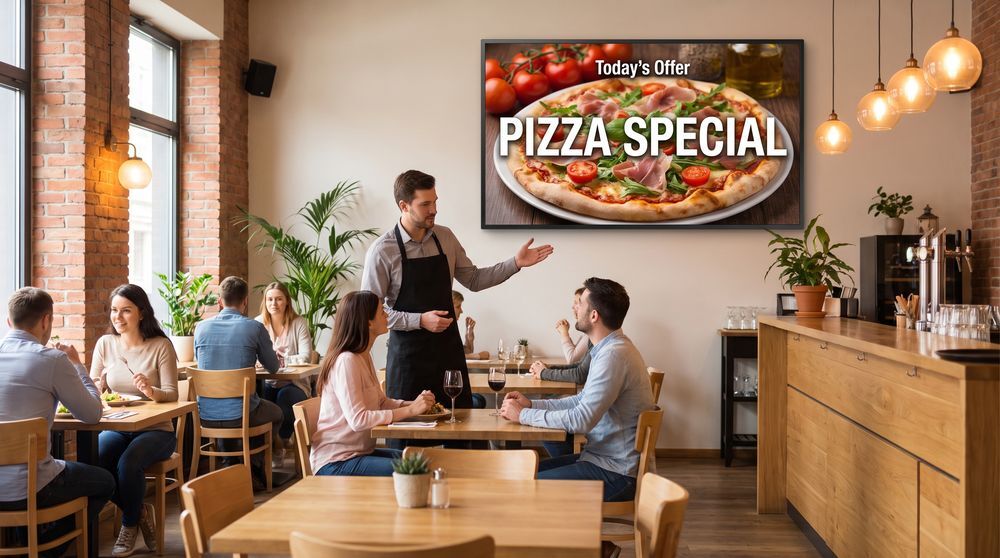
Restaurants
Present daily menus, specials, and promotional content on screens throughout your venue.
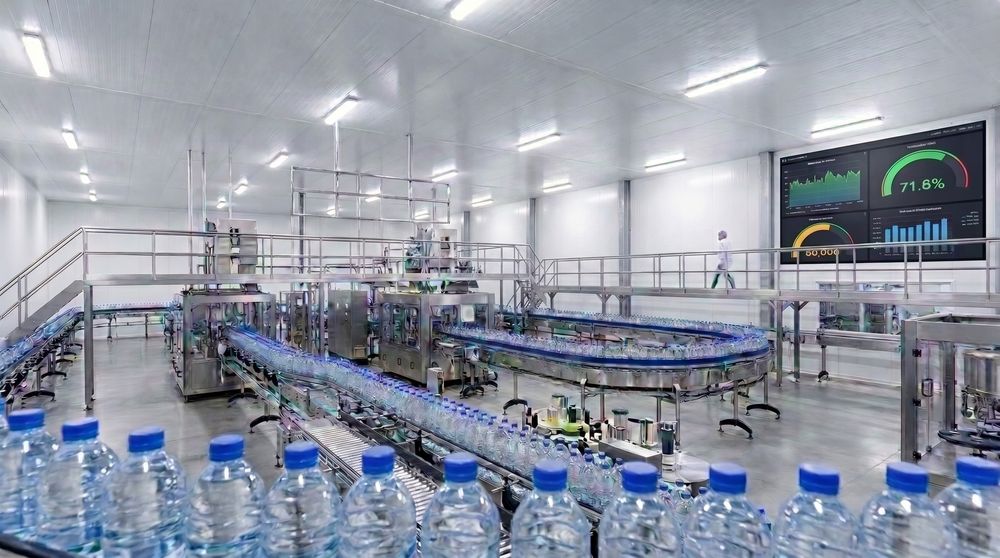
Manufacturing
Share production data, safety notices, and shift updates on screens across factory and warehouse floors.
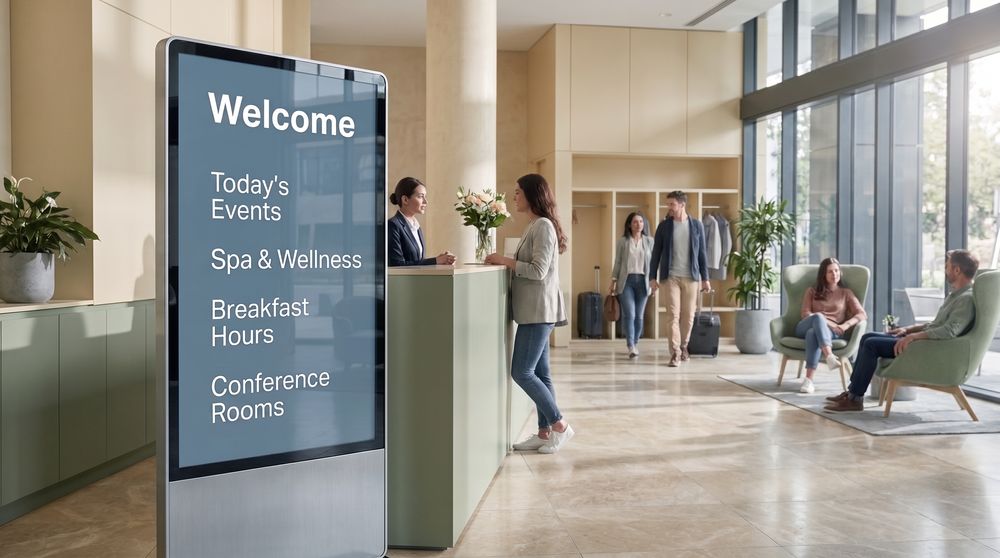
Hotels
Welcome guests and keep them informed with screens displaying services, events, and in-property information.
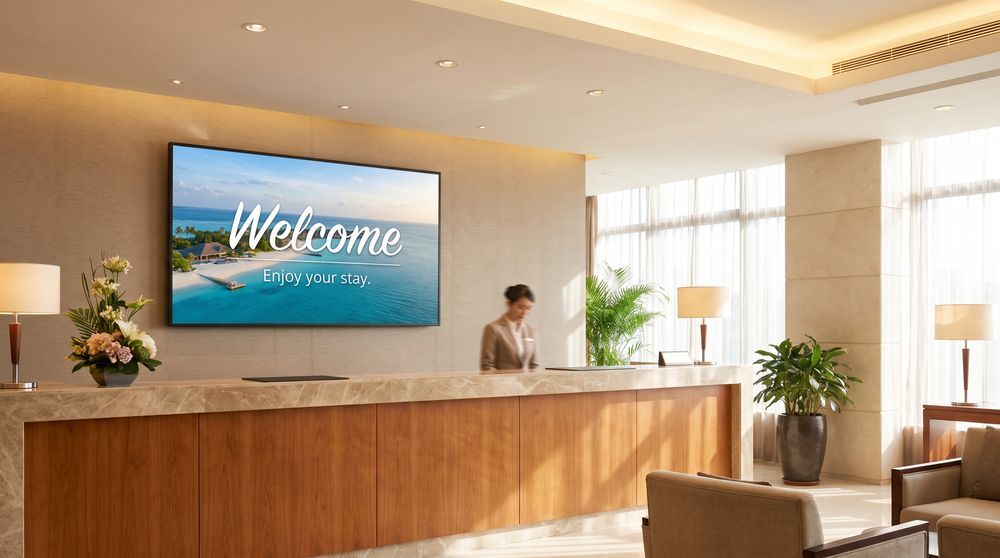
Hospitality
Manage screens across leisure venues, resorts, and multi-use hospitality spaces from one central account.
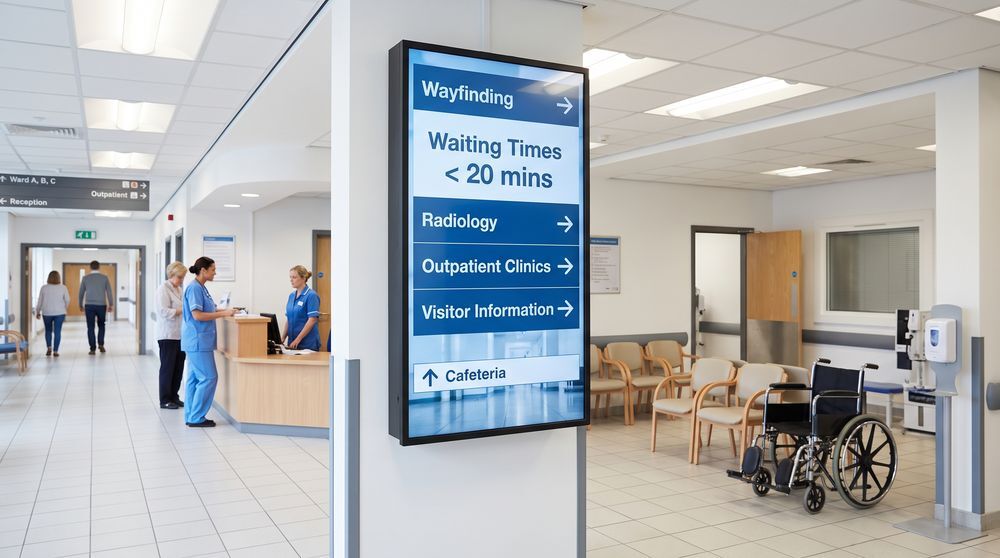
Healthcare
Provide patients and visitors with wayfinding, wait times, and health information on screens throughout your facility.
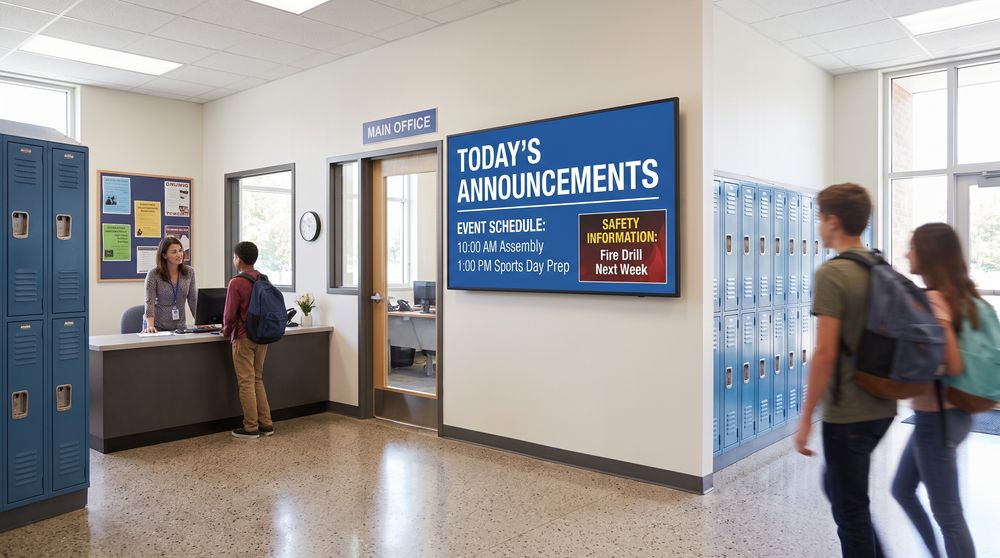
Schools
Communicate daily announcements, event schedules, and safety messages to students and staff across campus.
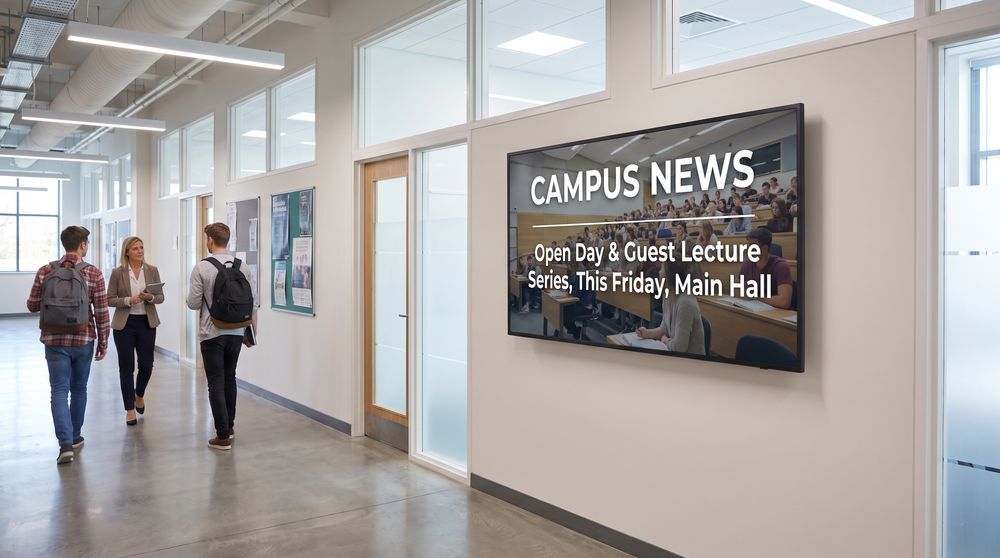
Education
Support communication across classrooms, common areas, and reception spaces in educational institutions of all sizes.
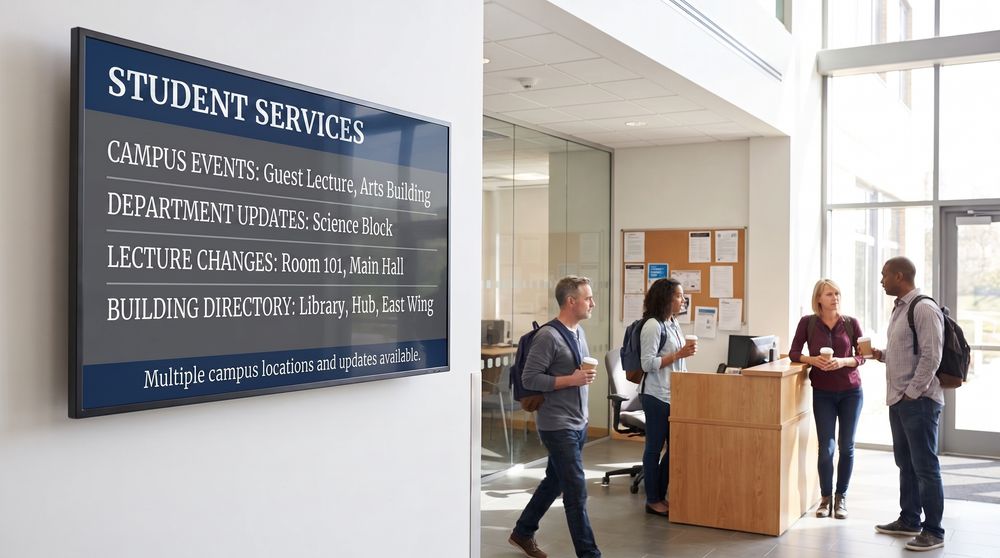
Universities
Coordinate content across multi-building campuses, from department screens to student services and event signage.
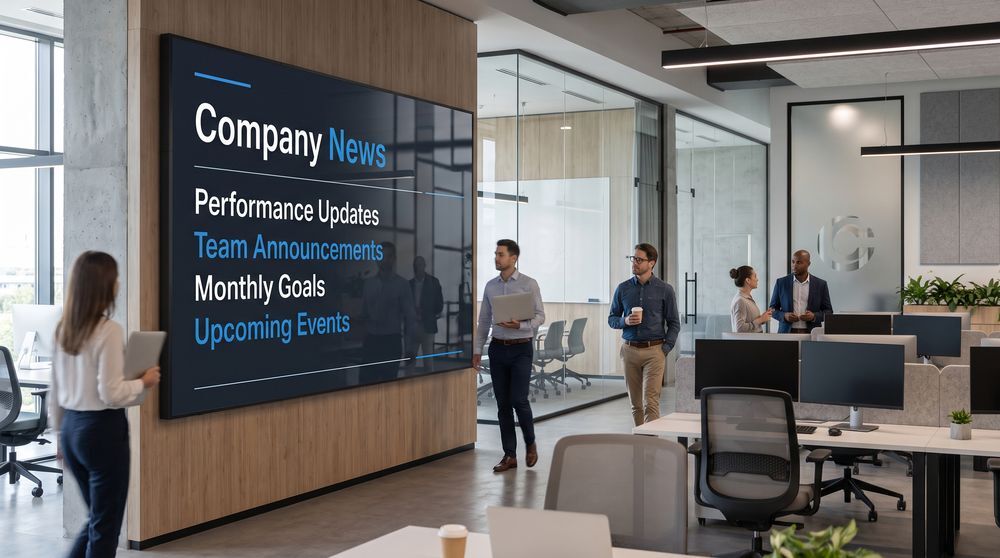
Business
Keep employees aligned with internal communications, performance updates, and company news on office screens.
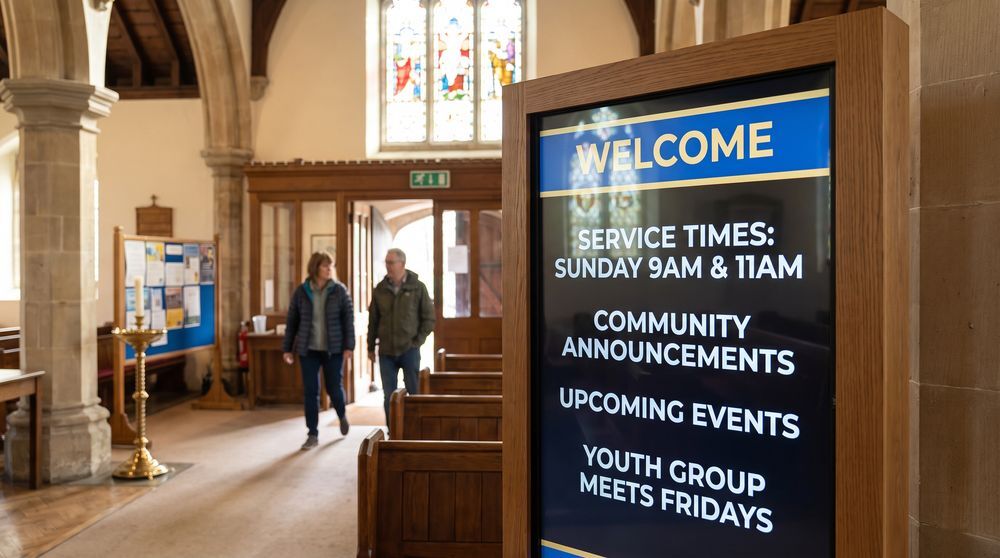
Churches
Publish service times, community announcements, and event information on screens throughout your building.
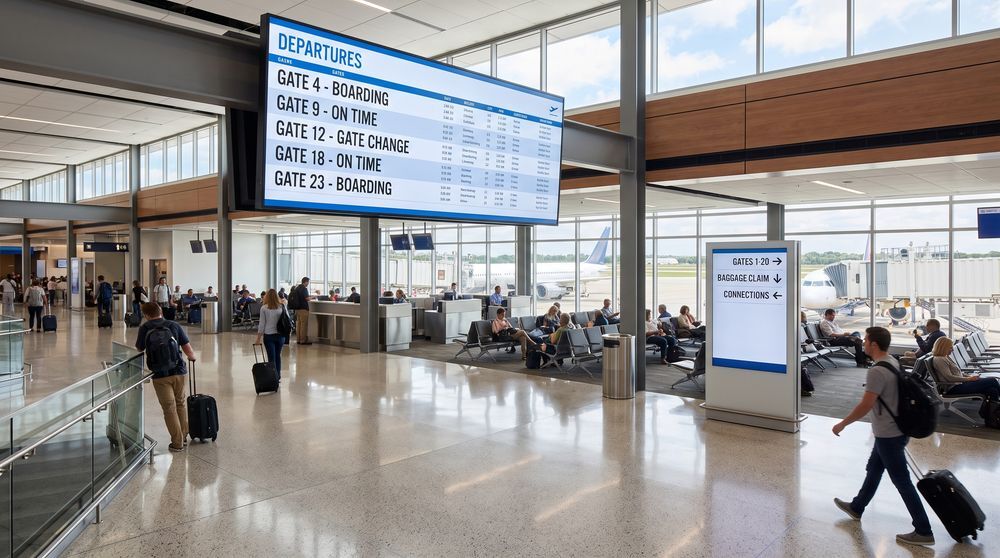
Airports
Guide travelers with real-time flight information, directions, and notices across terminal and gate screens.
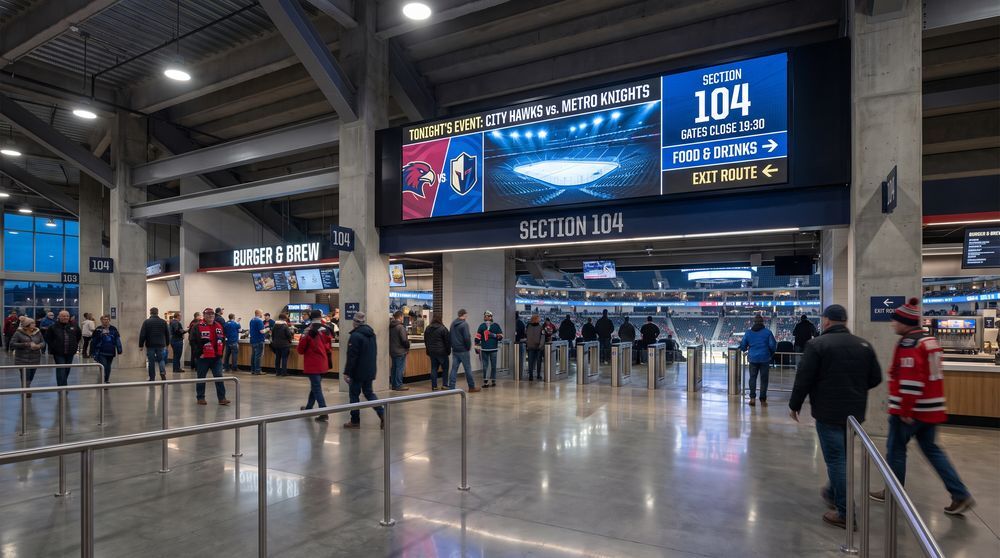
Stadiums
Deliver event information, promotional content, and crowd guidance across screens throughout your venue.
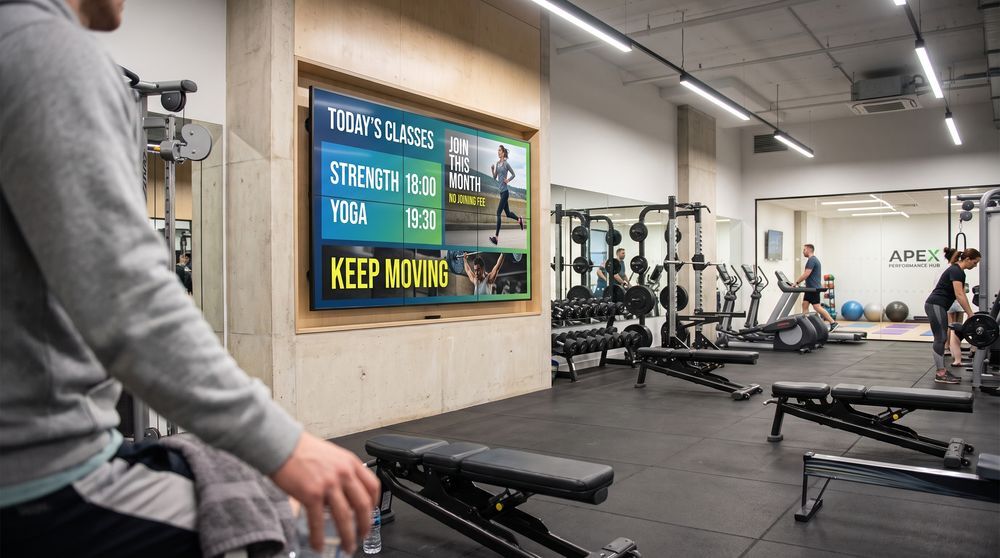
Gyms
Promote class schedules, membership offers, and motivational content on screens across your gym.
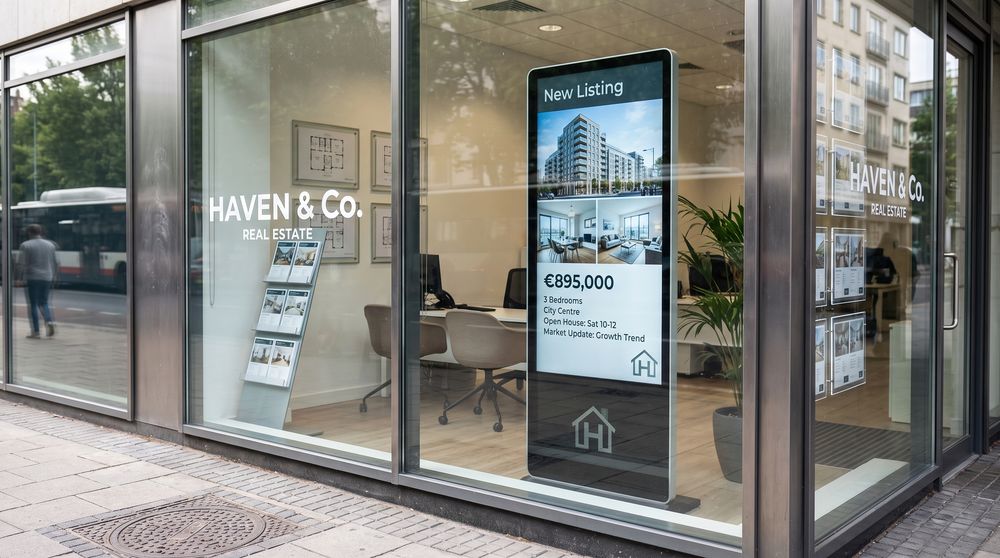
Real estate
Showcase property listings, agency branding, and market content on screens in windows or offices.
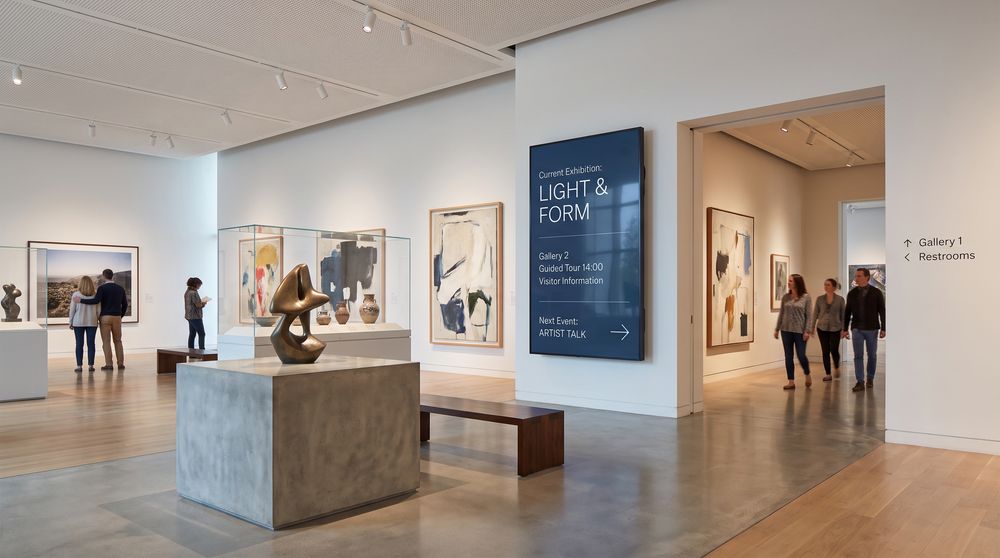
Museums
Enhance visitor experiences with exhibit information, wayfinding, and event content displayed on gallery screens.
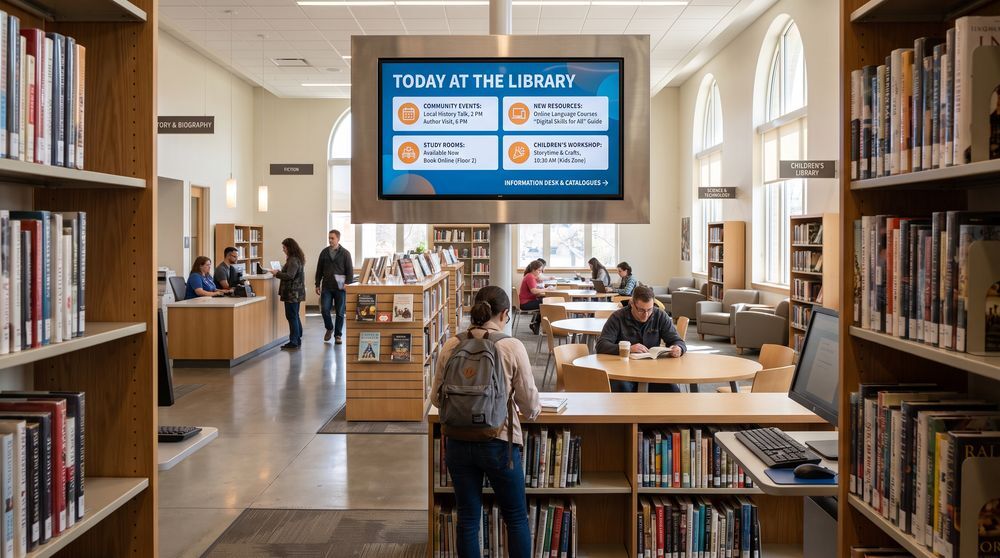
Libraries
Inform visitors with event listings, available resources, and community notices on library screens.
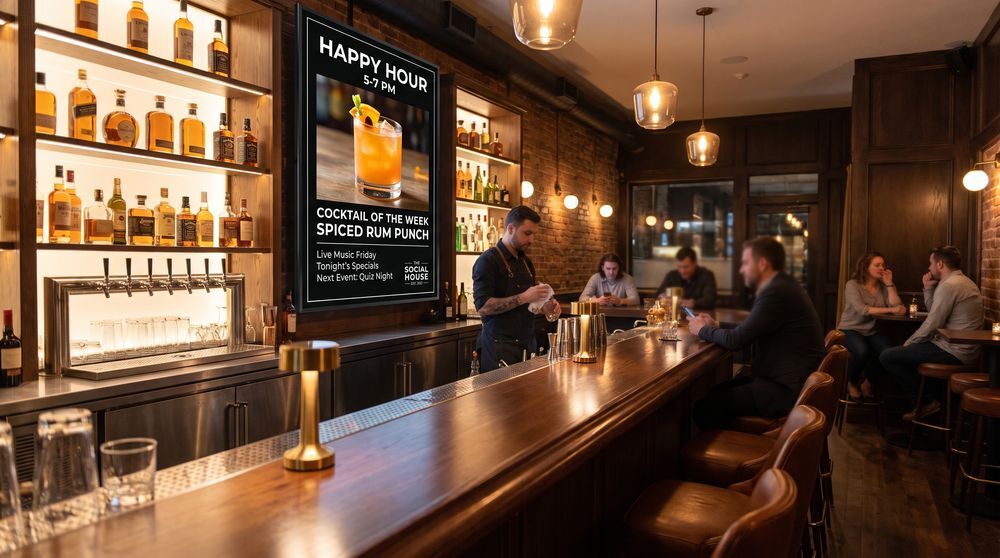
Bars
Feature drinks menus, happy hour promotions, and upcoming events on screens across your bar.
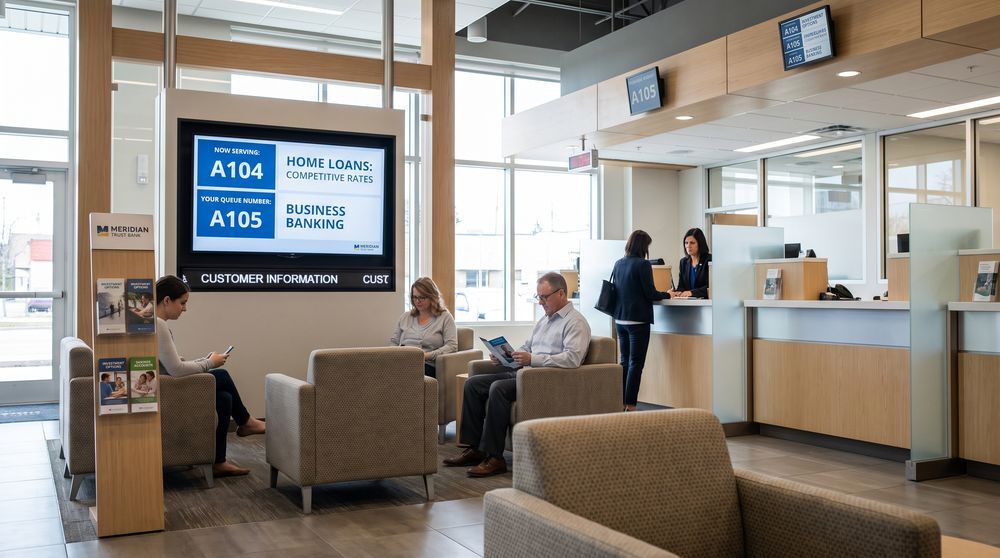
Banks
Reduce perceived wait times and communicate products and services to customers in branch waiting areas.
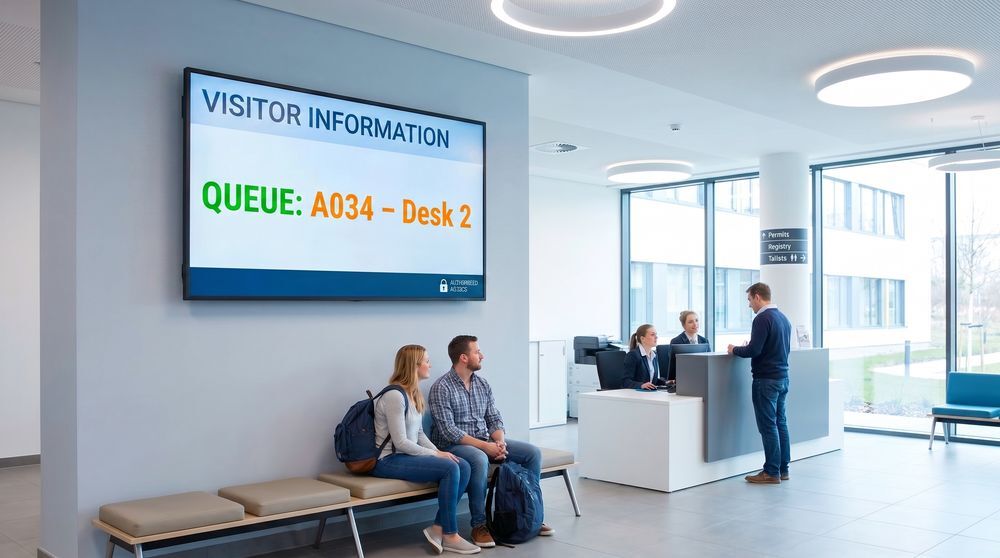
Government
Distribute public notices, wayfinding, and service information to visitors across government and civic facilities.
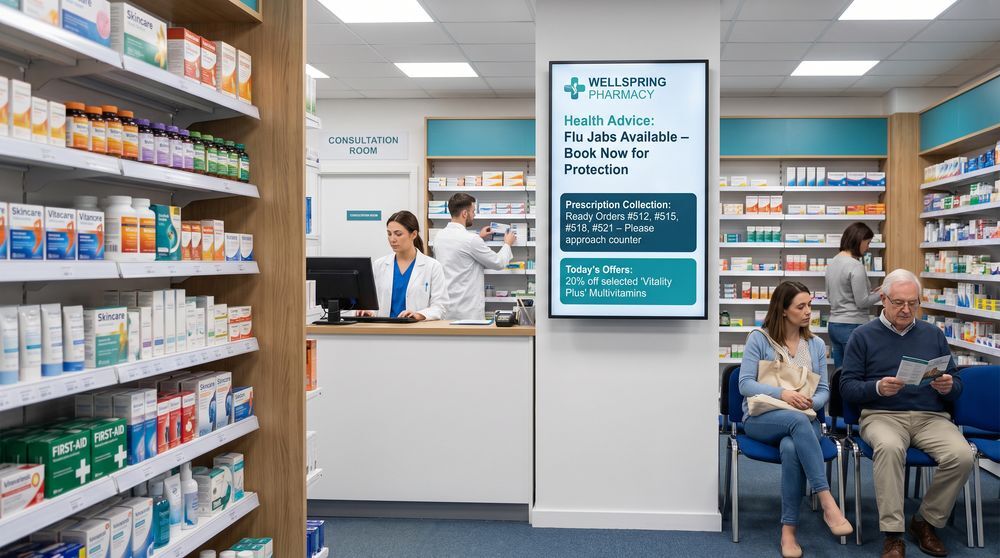
Pharmacies
Highlight health guidance, product promotions, and queue status on pharmacy screens for customers and visitors.
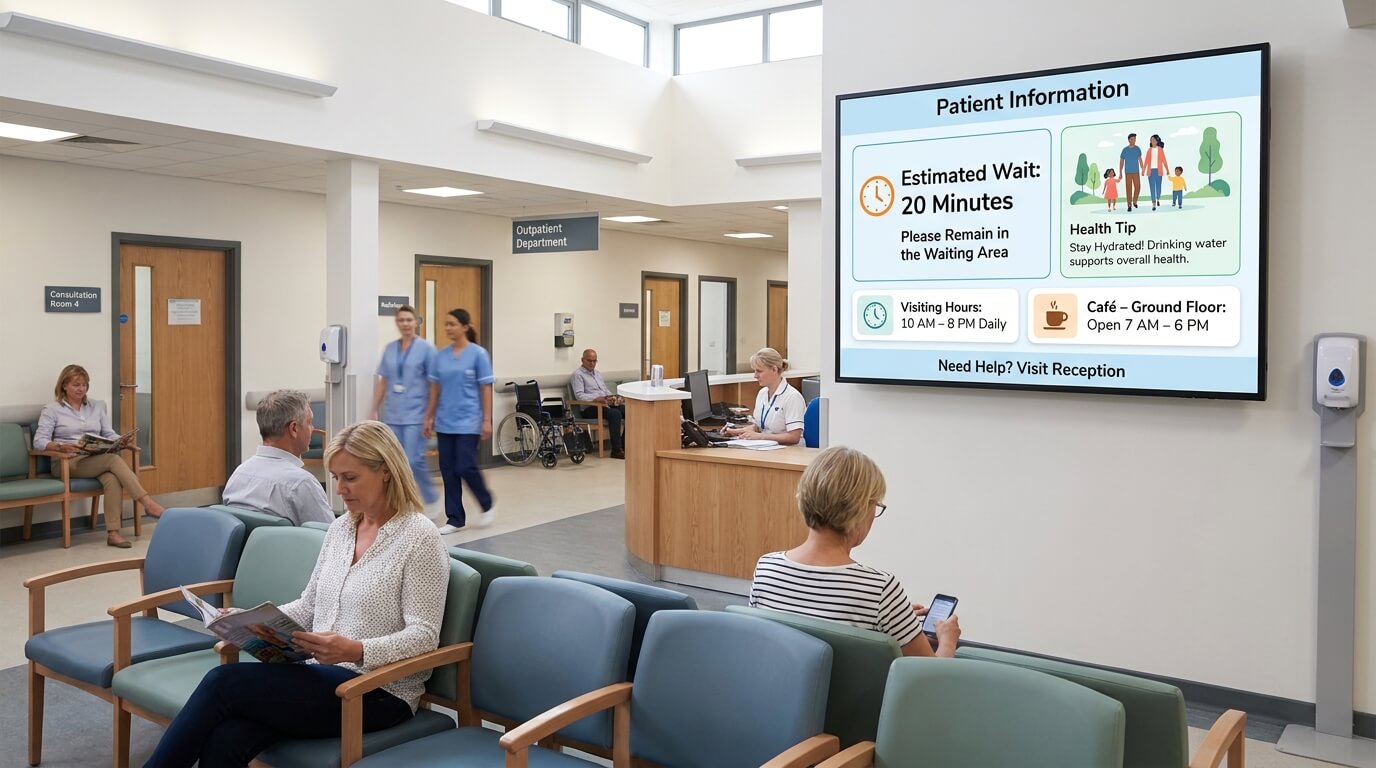
Hospitals
Keep patients, visitors, and staff informed with clear, up-to-date content across every hospital screen.
Digital signage by use case
From lobby screens to live data dashboards, TDM supports a broad range of signage applications.
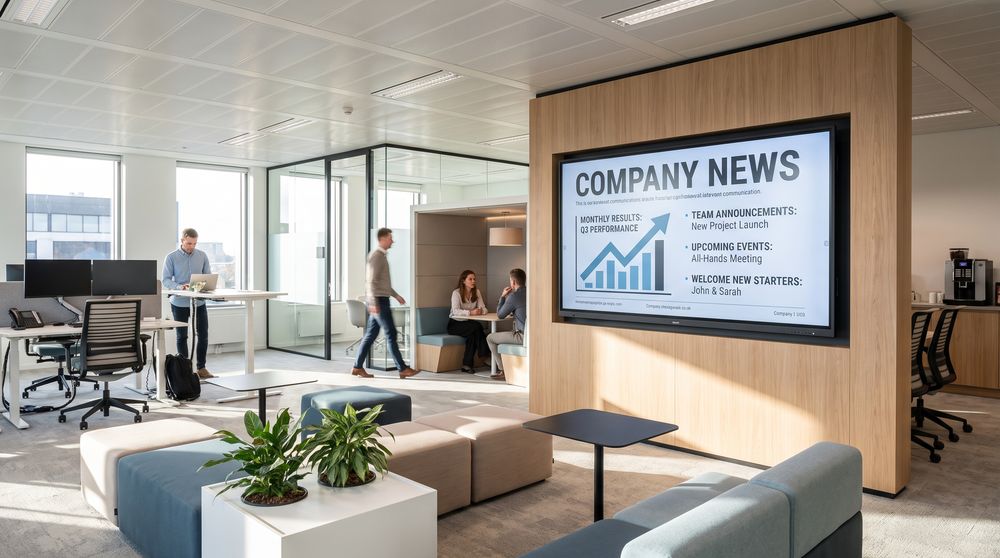
Workplace signage
Keep employees informed with internal news, announcements, and performance updates displayed on office screens.
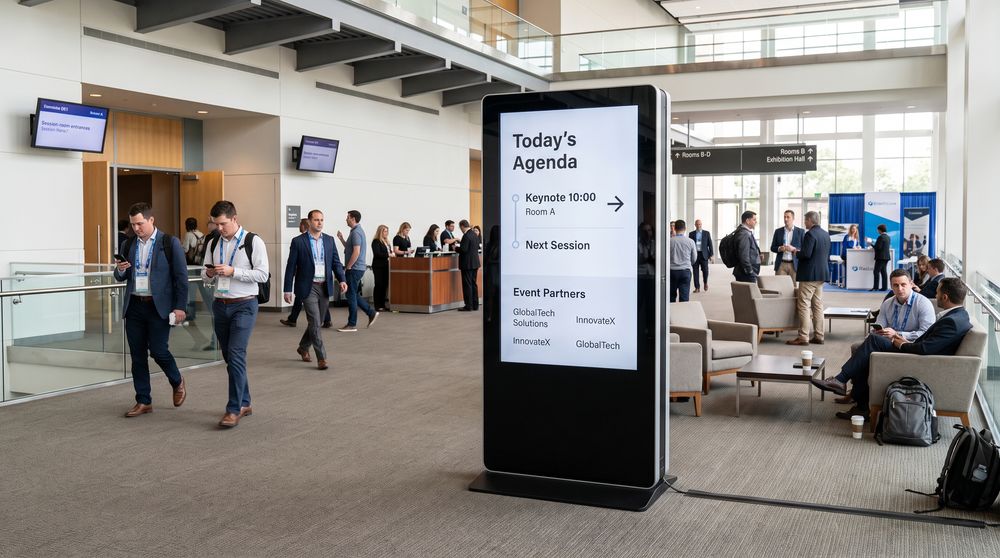
Conferences
Present event agendas, session schedules, and sponsor content on screens throughout your conference venue.
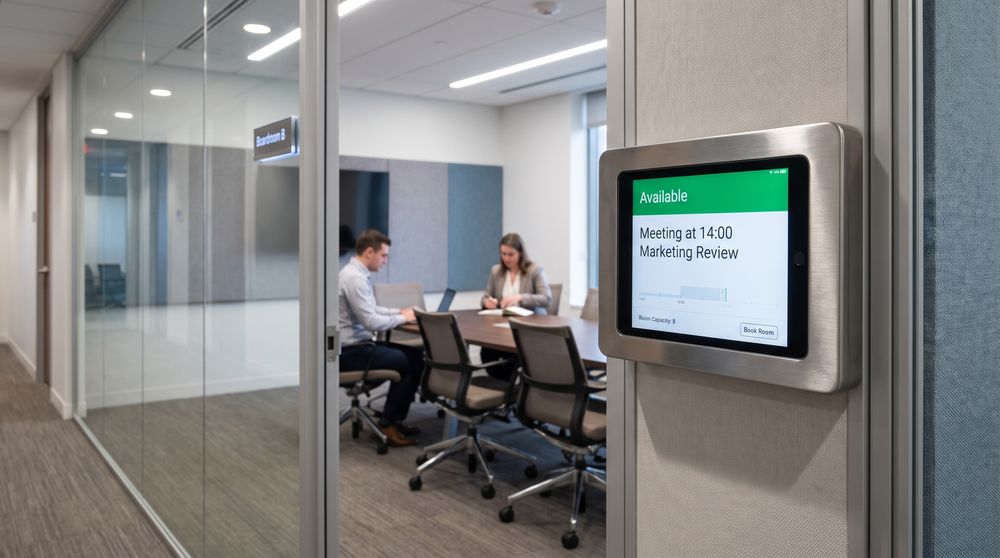
Meeting room displays
Show scheduled meetings, booking status, and room details on screens placed outside or inside meeting rooms.
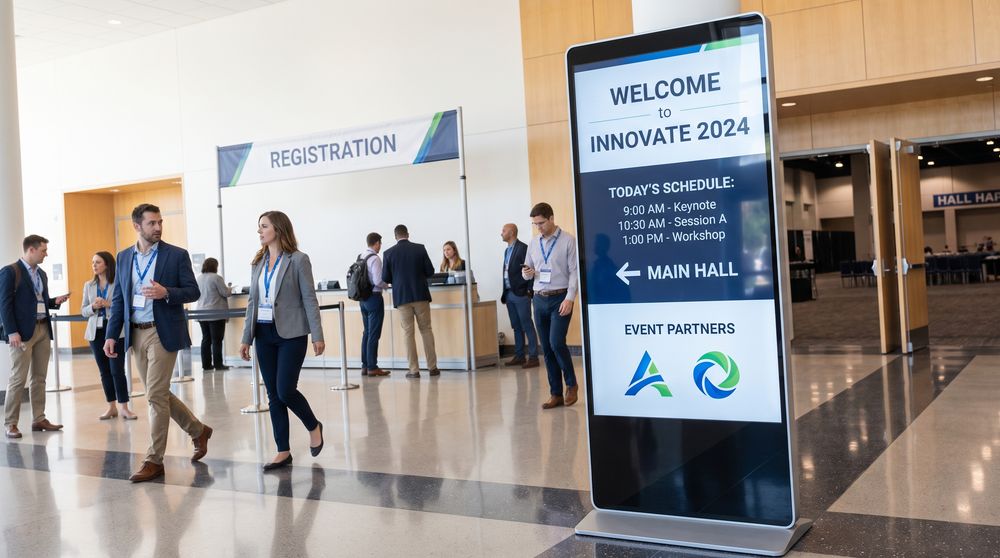
Events
Run branded screens for one-off or recurring events, displaying schedules, directions, and sponsor content.
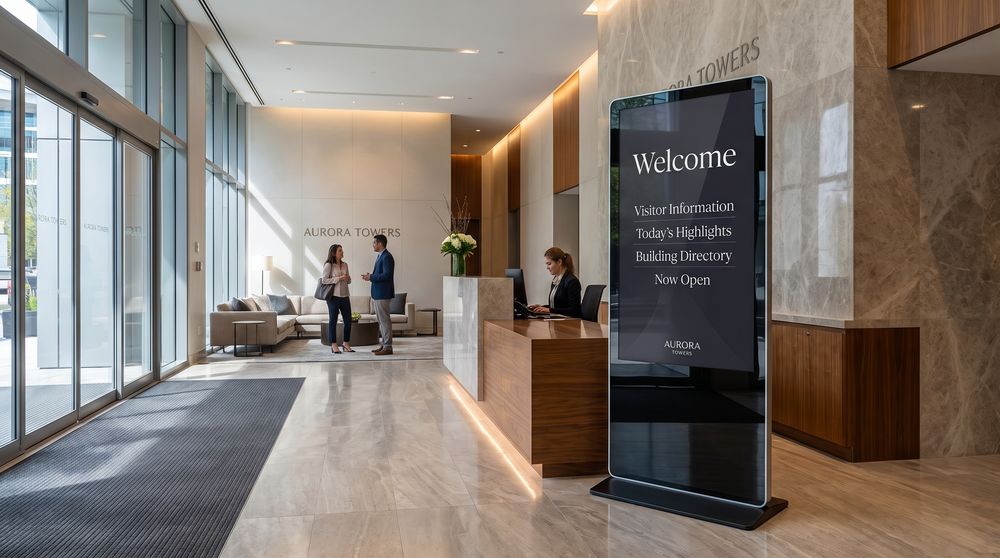
Lobbies
Welcome visitors and set the tone for your space with branded content displayed at building entrances.
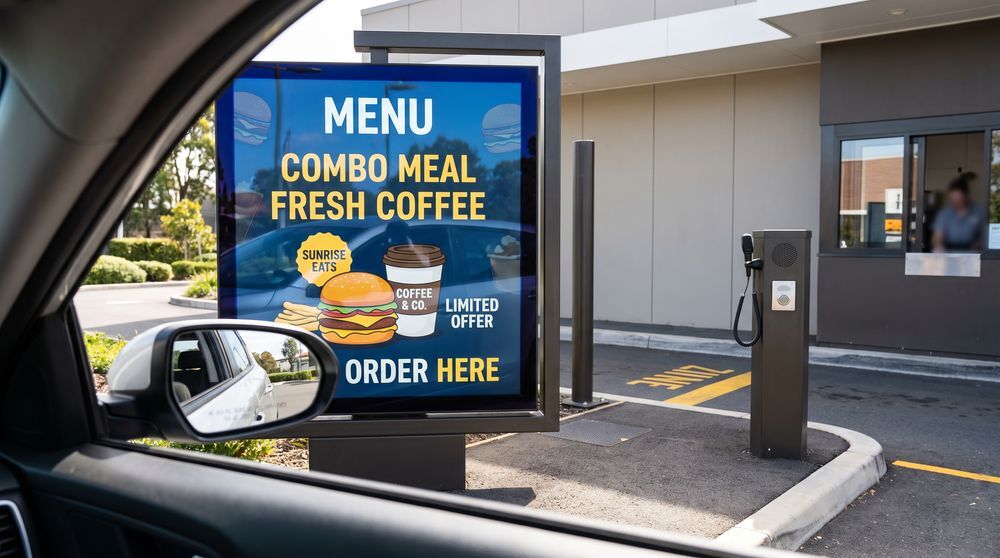
Drive-thru
Display menu options and promotional content clearly to customers at drive-thru ordering and payment points.
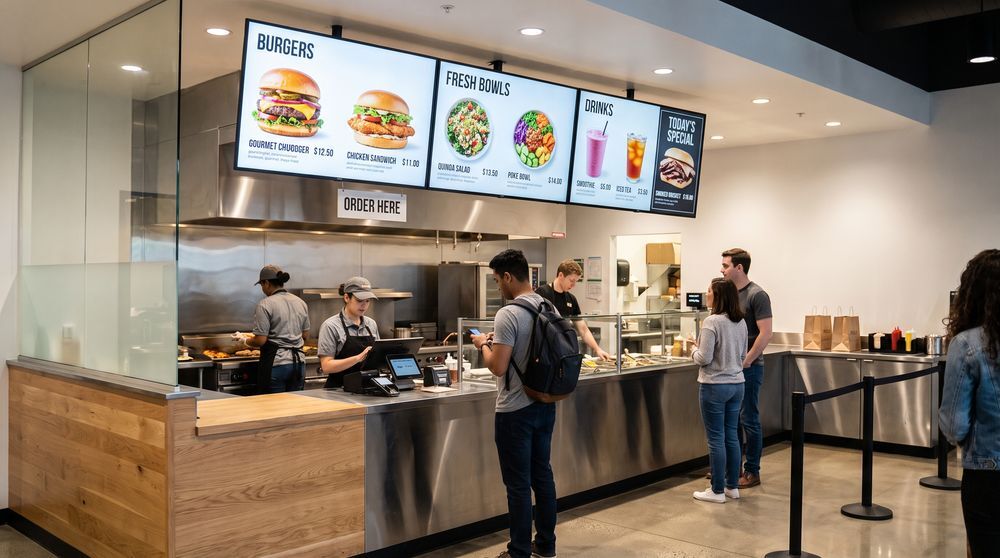
Restaurant menu boards
Replace printed menus with digital boards that make it easy to update items, pricing, and daily specials.
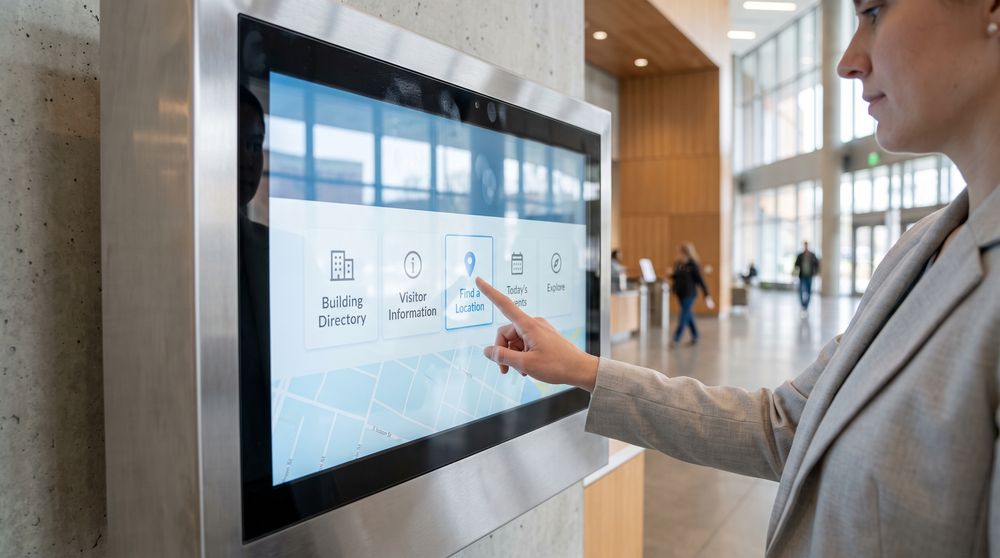
Touchscreen
Give visitors interactive access to information, directories, or content through touch-enabled screen displays.
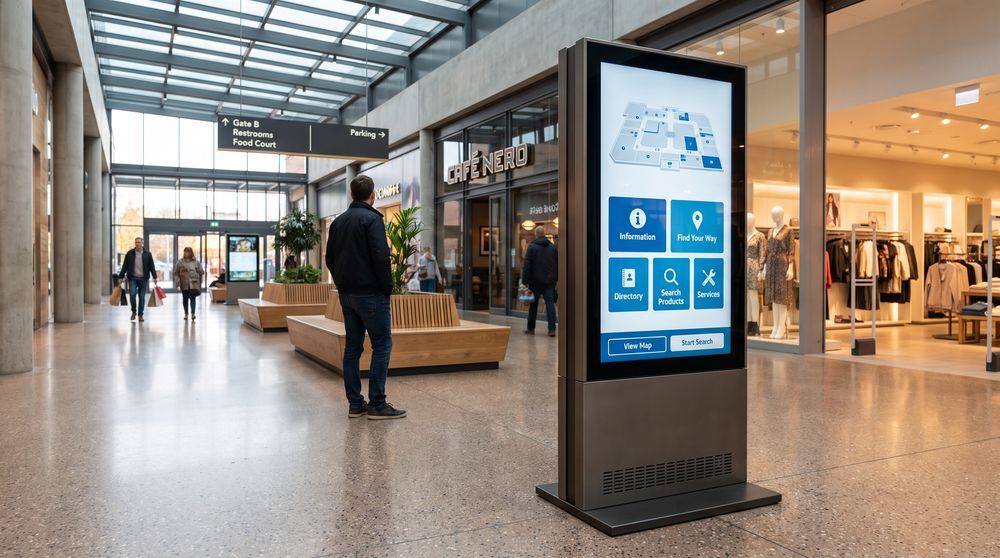
Kiosks
Deploy freestanding screen kiosks for self-service information, wayfinding, or product browsing in public spaces.
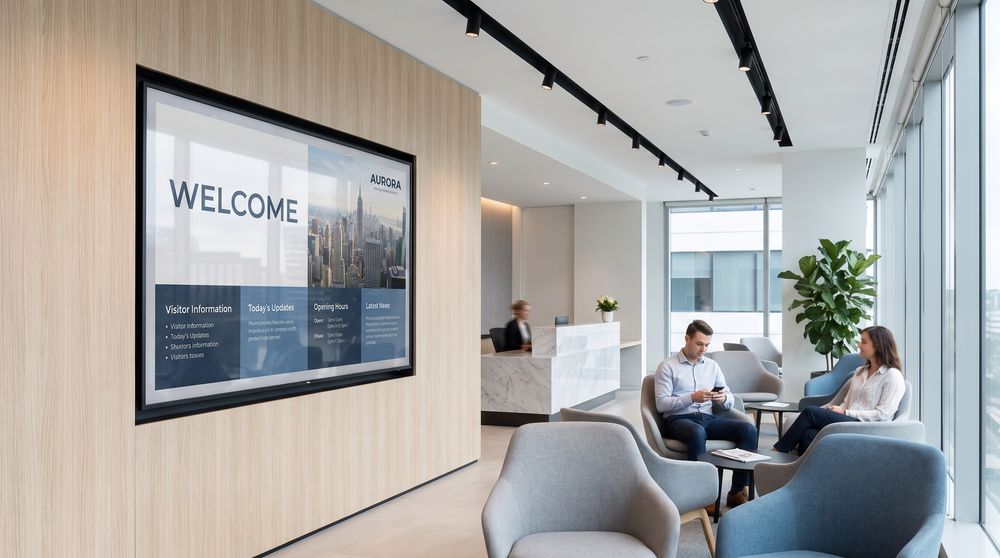
TV screens
Manage content on commercial display screens in offices, waiting rooms, and public-facing environments.
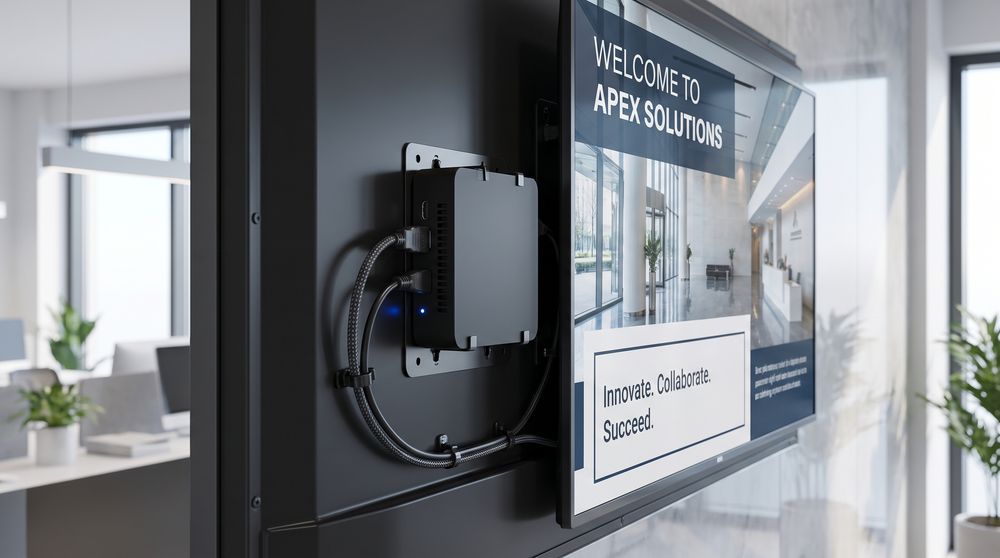
Android signage
Pair compatible Android-based media players with TDM to manage and display screen content centrally.
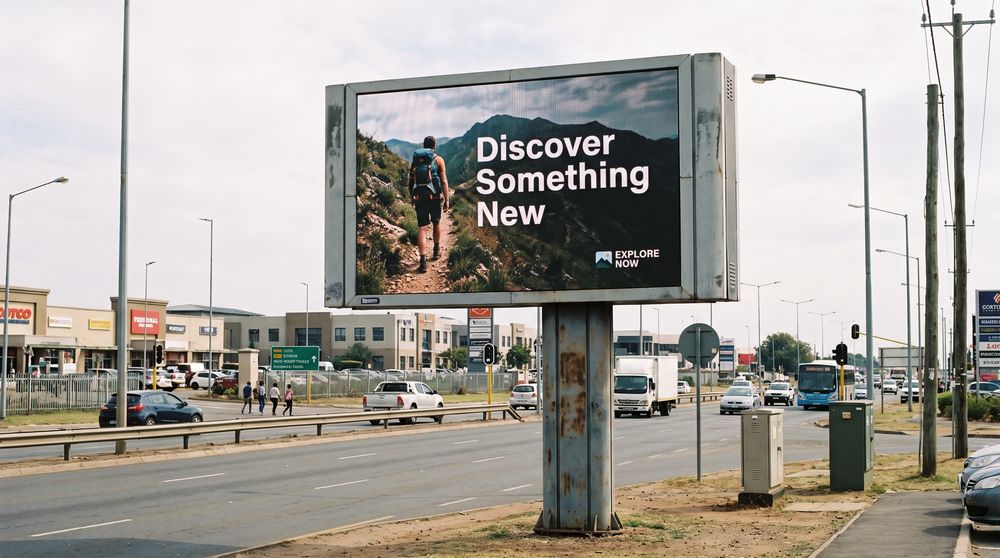
Digital billboards
Schedule and manage advertising or communication content across large-format digital billboard screens.
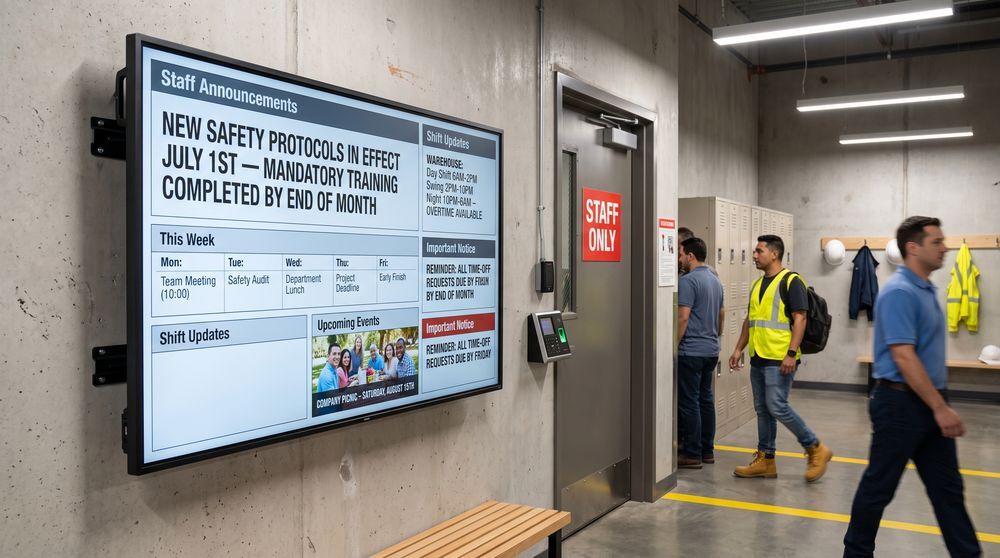
Digital bulletin boards
Update announcements, schedules, and notices on digital boards without reprinting or replacing physical materials.
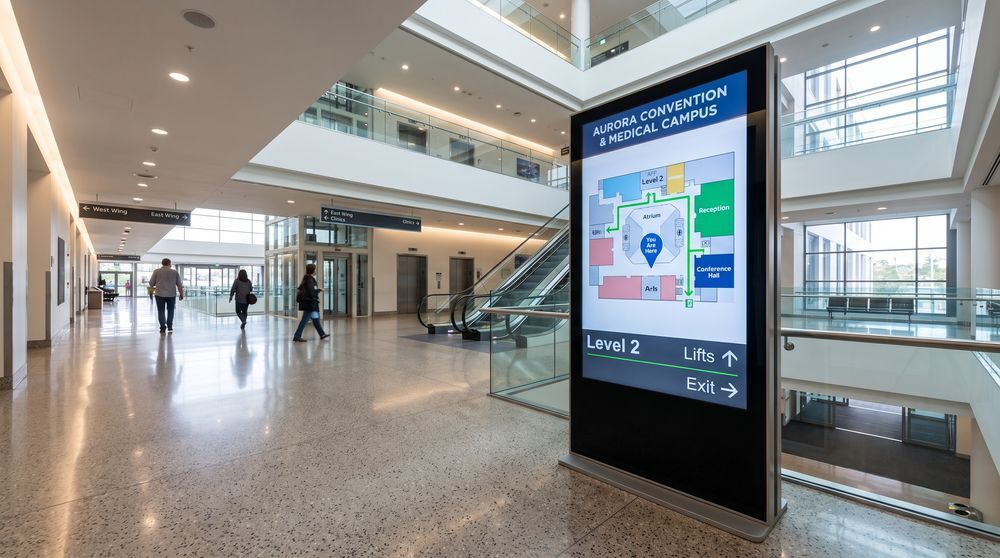
Wayfinding
Help visitors navigate large or complex buildings with clear directional content and floor maps on screens.
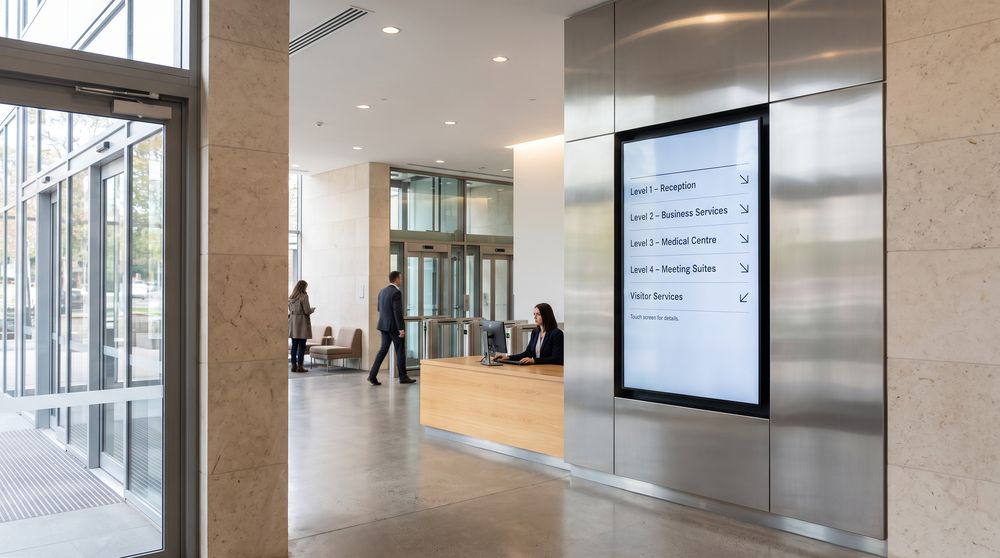
Directory screens
List tenants, departments, or services on a centrally managed screen at building entrances or receptions.
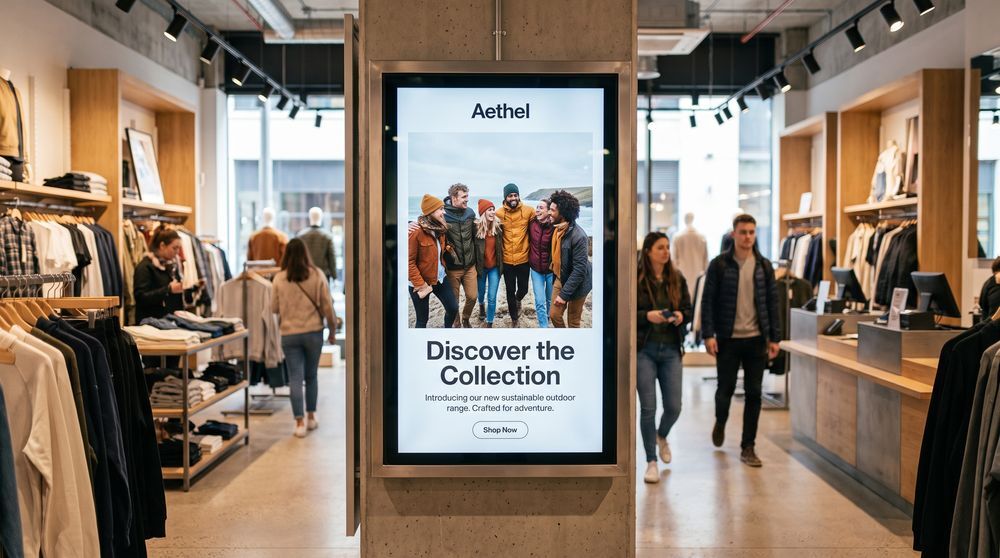
Advertising screens
Rotate promotional campaigns across dedicated screens in retail, hospitality, or public venue environments.
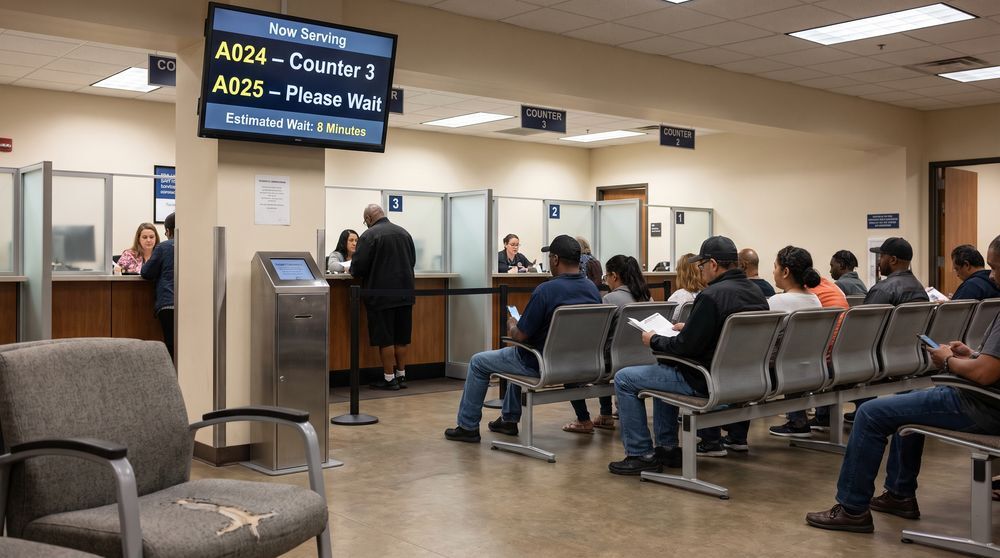
Queue management displays
Ease wait-time frustration by showing queue numbers, ticket status, and estimated wait times on screen.
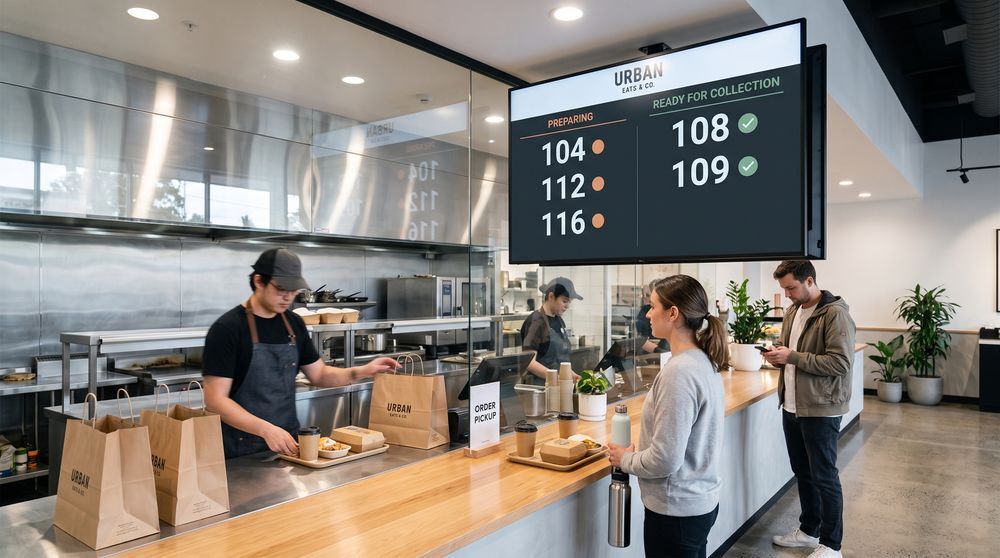
Order status screens
Let customers track their order status on screens placed in collection areas or near service counters.
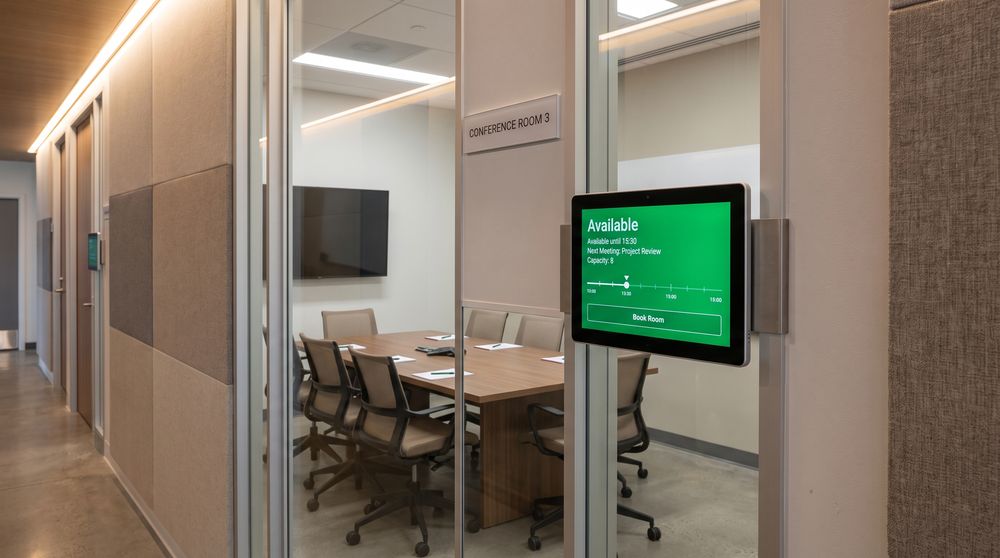
Room availability screens
Indicate whether a room or space is occupied or available to help staff and visitors plan effectively.
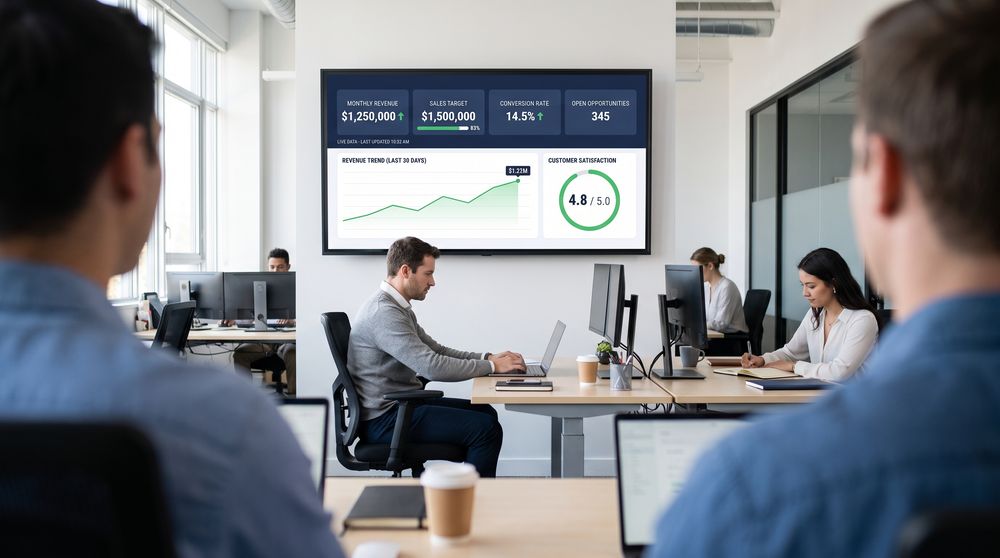
KPI dashboards
Surface live business metrics and performance data on screens visible to operations, sales, or management teams.
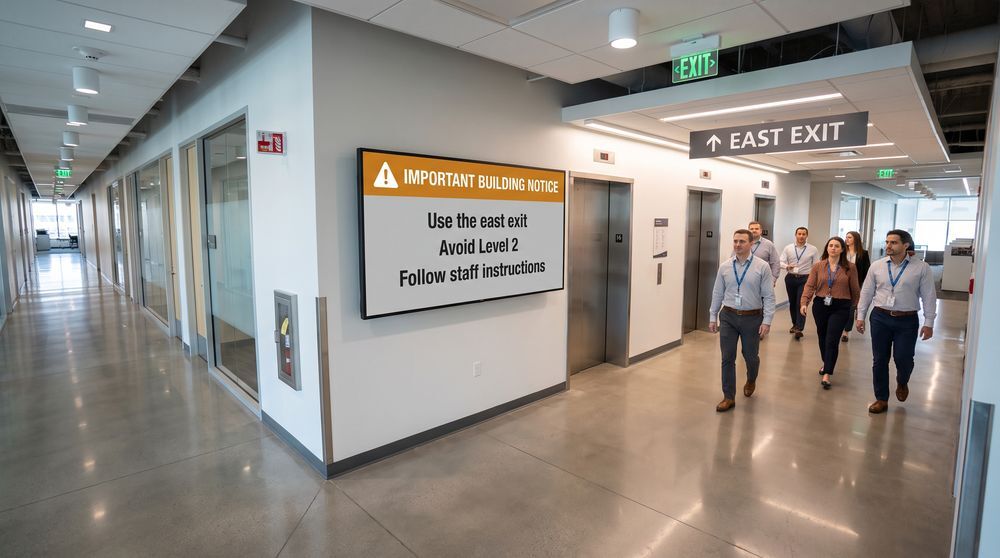
Emergency alert screens
Use screens to distribute urgent internal notices and important updates quickly across your building or network.
Social media wall
Aggregate and display social media content from connected accounts on screens at events or in-venue locations.
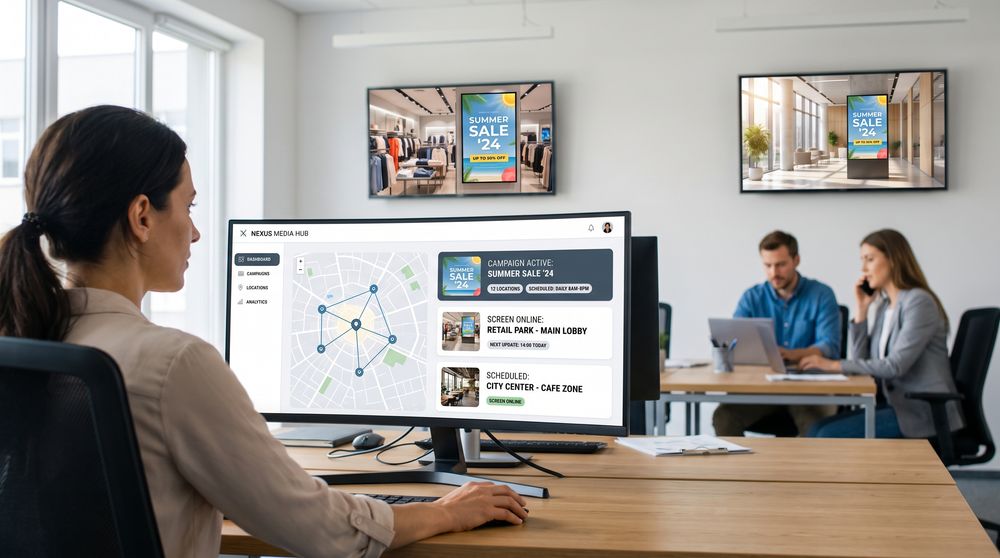
Advertising network
Centralize campaign management across a network of advertising screens at multiple locations or sites.
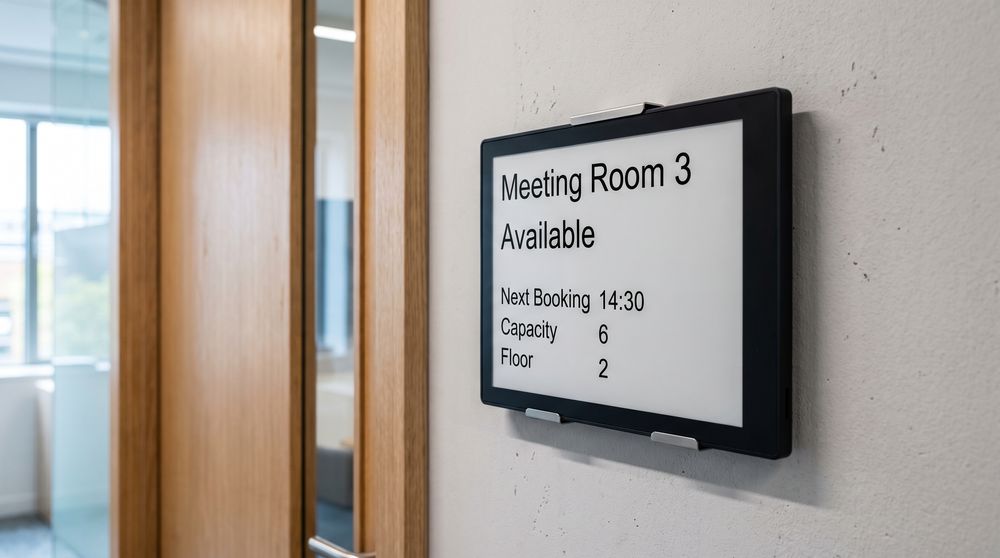
E-paper displays
Equip specific areas with low-power e-paper displays suited to text-based or infrequently updated content.
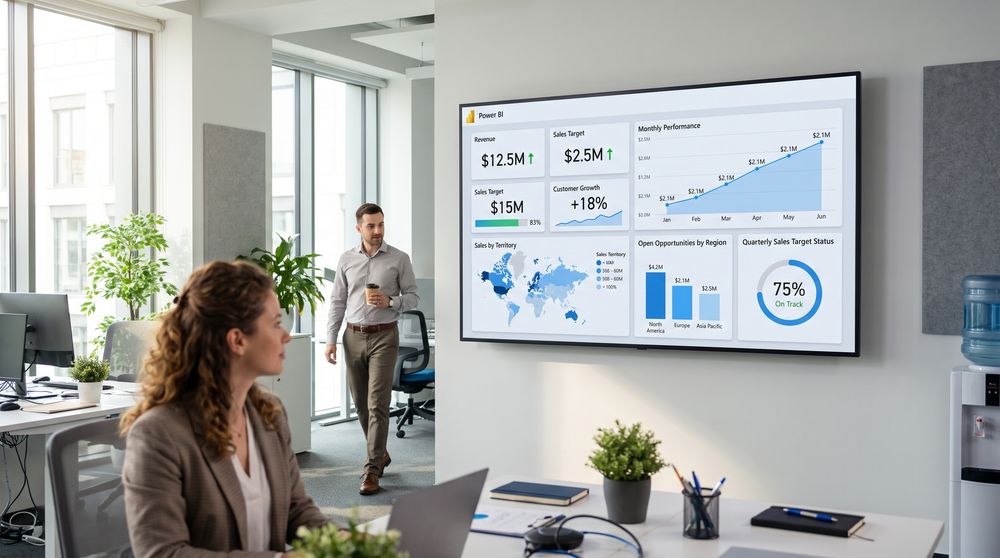
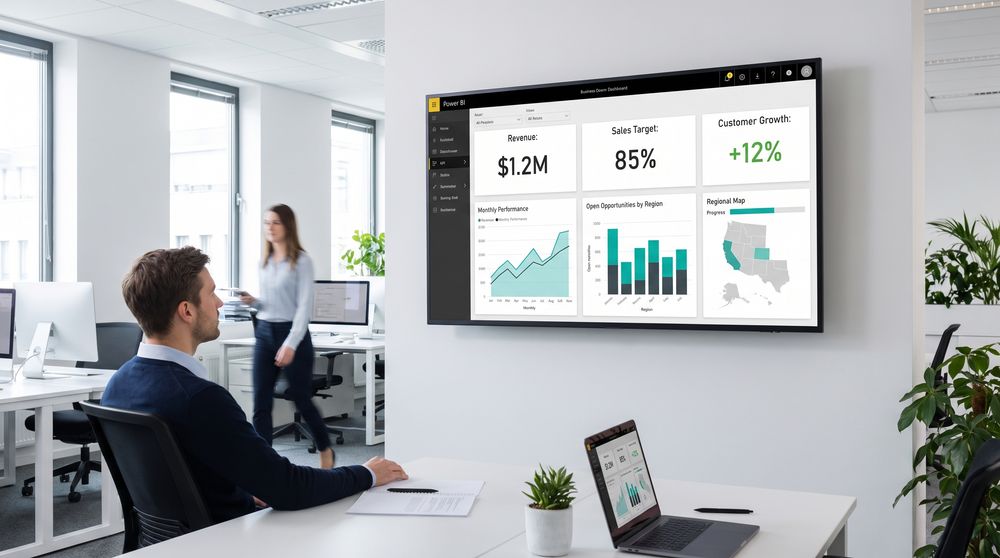
Power BI
Connect Power BI dashboards to screens so teams can monitor live data and business performance at a glance.