
How churches use digital signage
Churches communicate with a wide range of people - regular members, first-time visitors, volunteers, and staff. Keeping everyone informed takes consistent effort.
Digital signage for churches makes it easier to share the right message at the right time, without the manual work of updating printed materials or static boards.
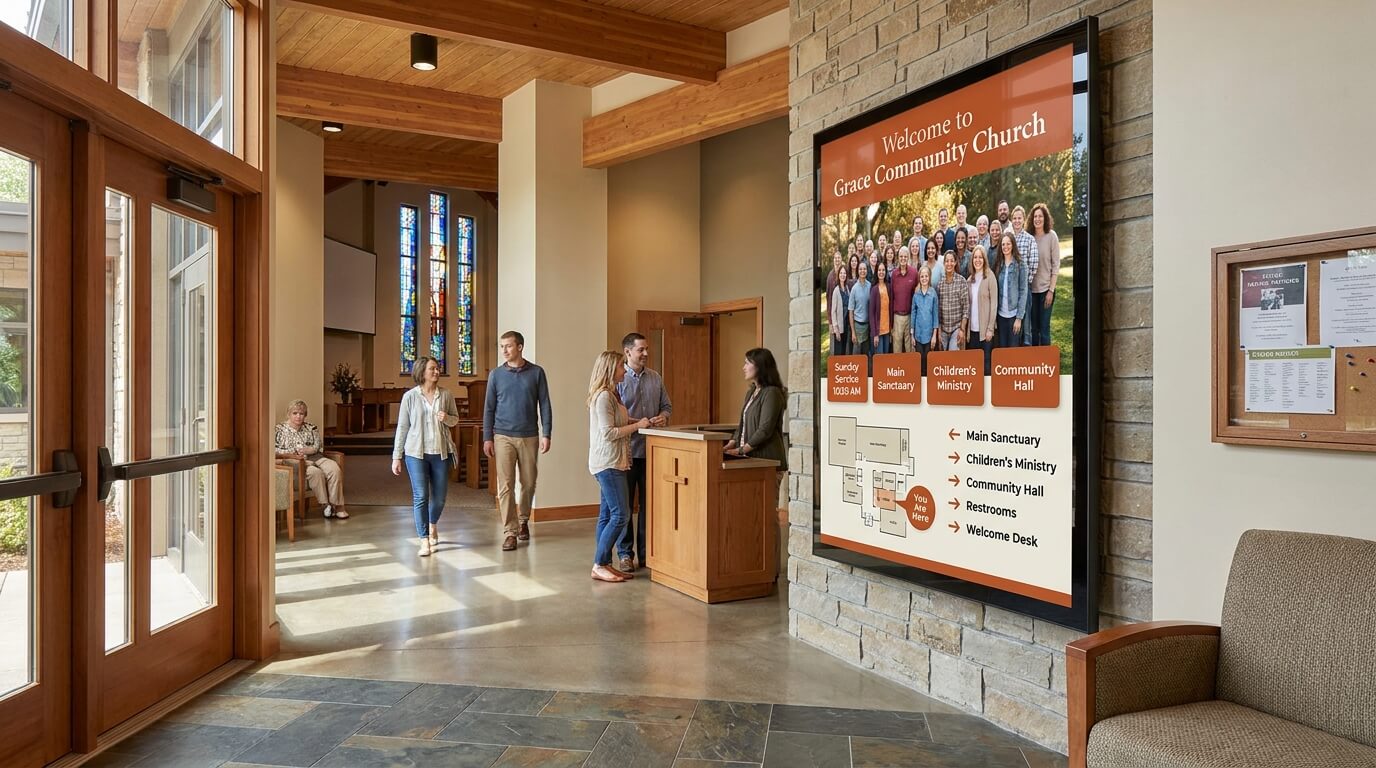
Welcome and wayfinding
First-time visitors often need guidance when arriving at a church.
Screens placed at entrances and corridors can display a warm welcome, direct people to the right rooms, and help them feel comfortable from the moment they walk in.
Congregation announcements
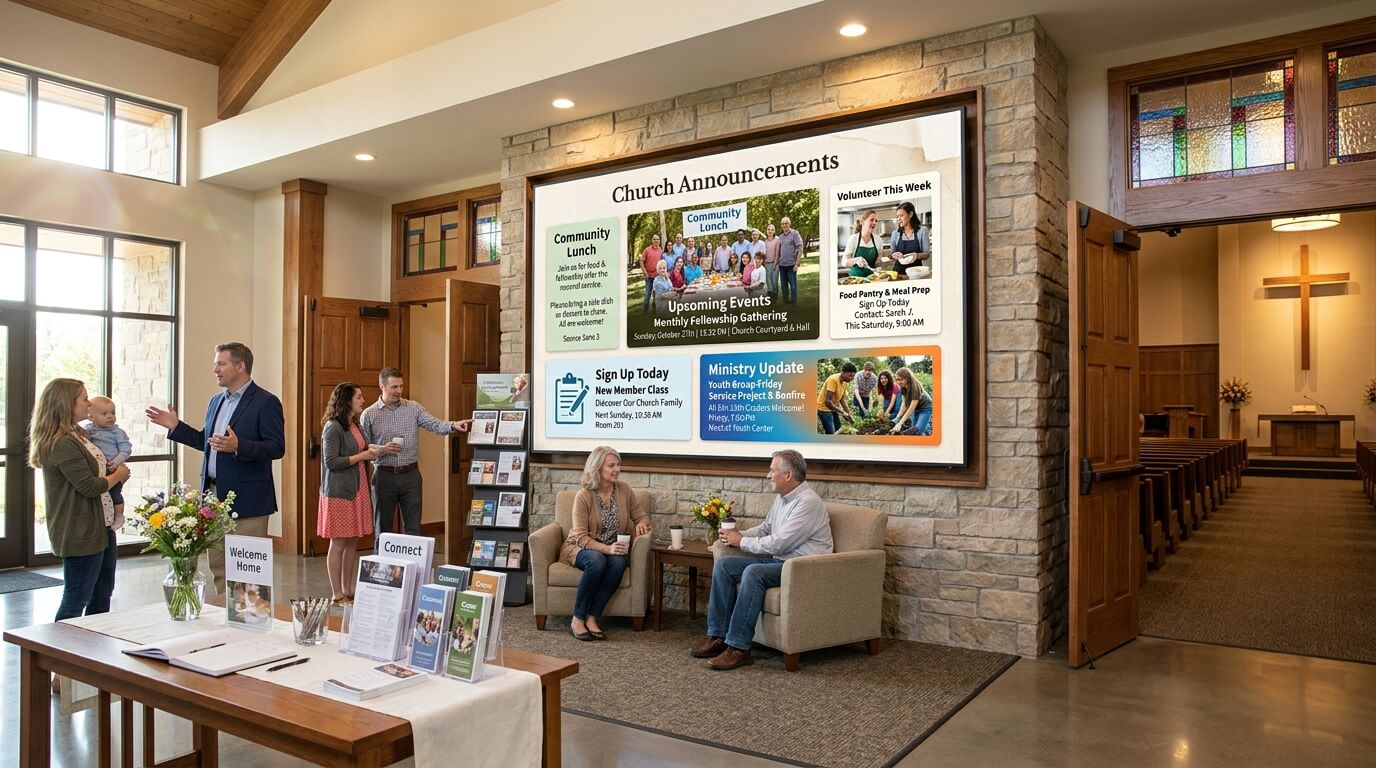
Keeping members up to date on upcoming events, volunteer opportunities, and ministry news is a constant task.
Digital screens let you display announcements before and after services, so important information reaches people without relying on printed handouts.
Event and service communication
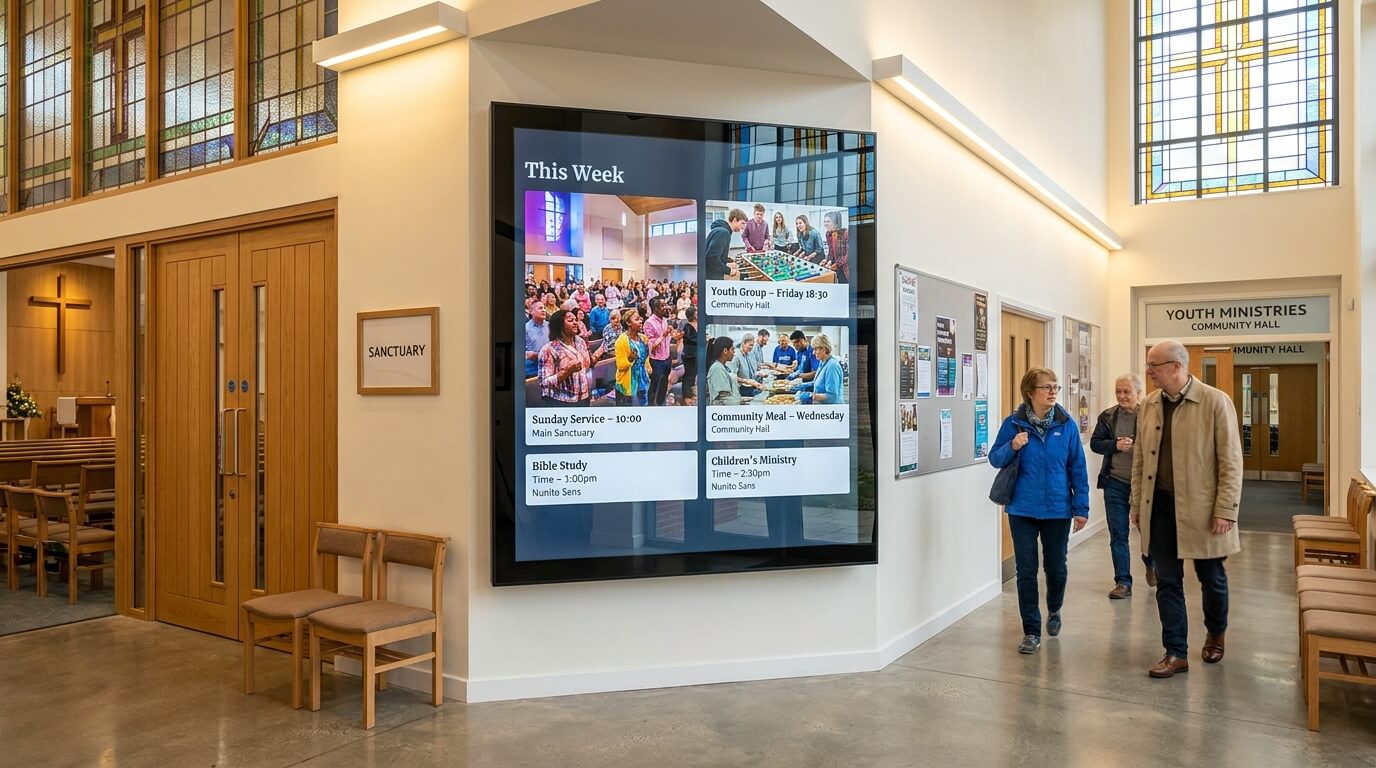
Churches host a variety of events throughout the week - services, youth groups, community programs, and more.
Digital signage gives you a simple way to promote upcoming events and keep the schedule visible to everyone on-site.
Common ways churches use digital Signage
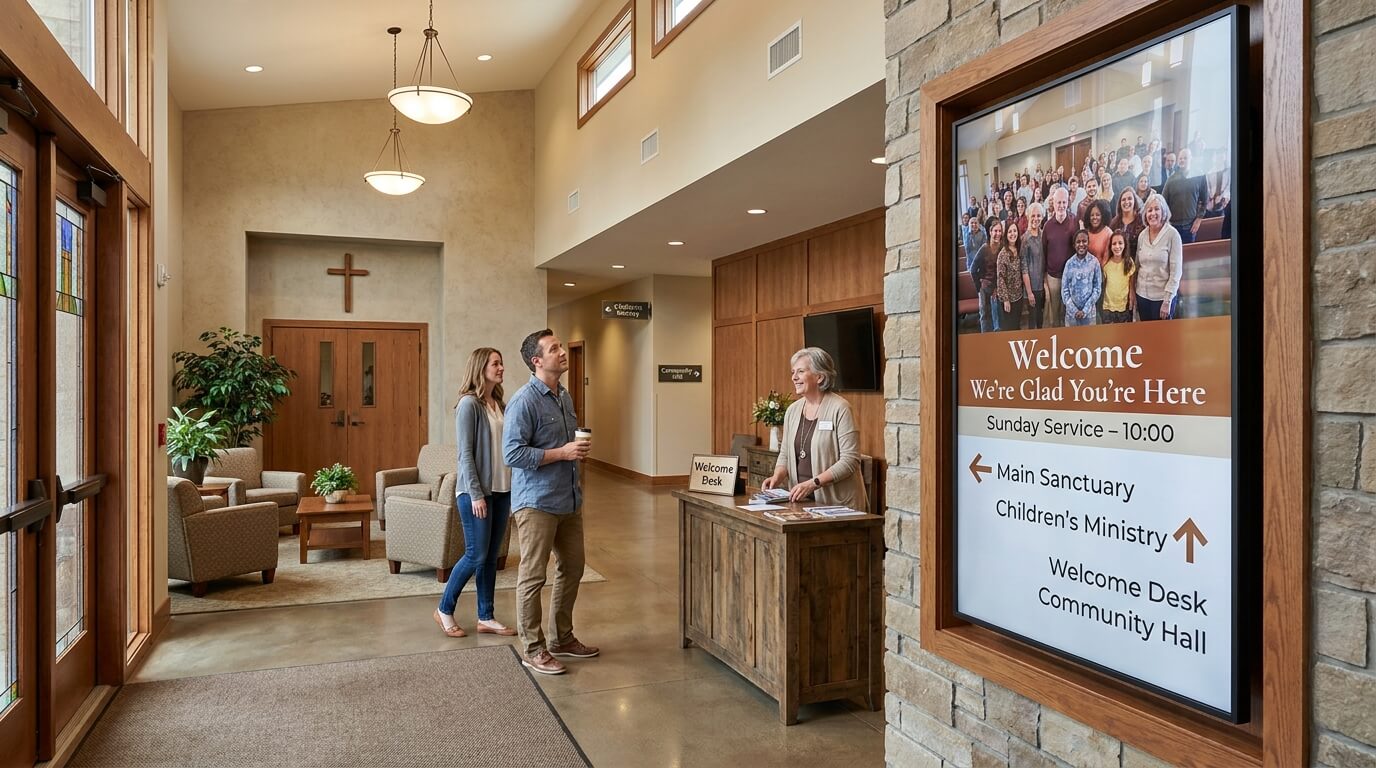
Welcome screens
Display a greeting message at your entrance to make visitors feel at home and guide them to the right location.
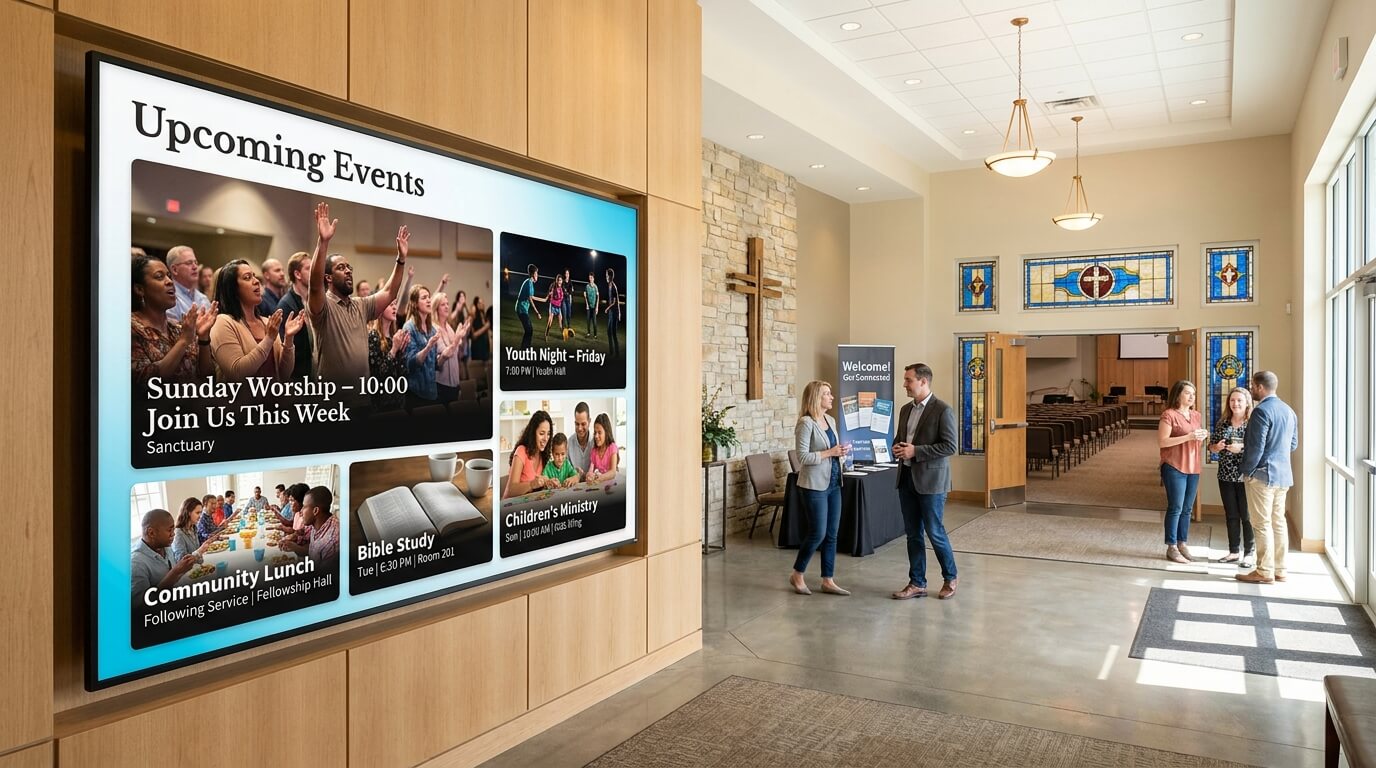
Event and service announcements
Promote upcoming services, community events, and ministry programs on screens throughout your building.
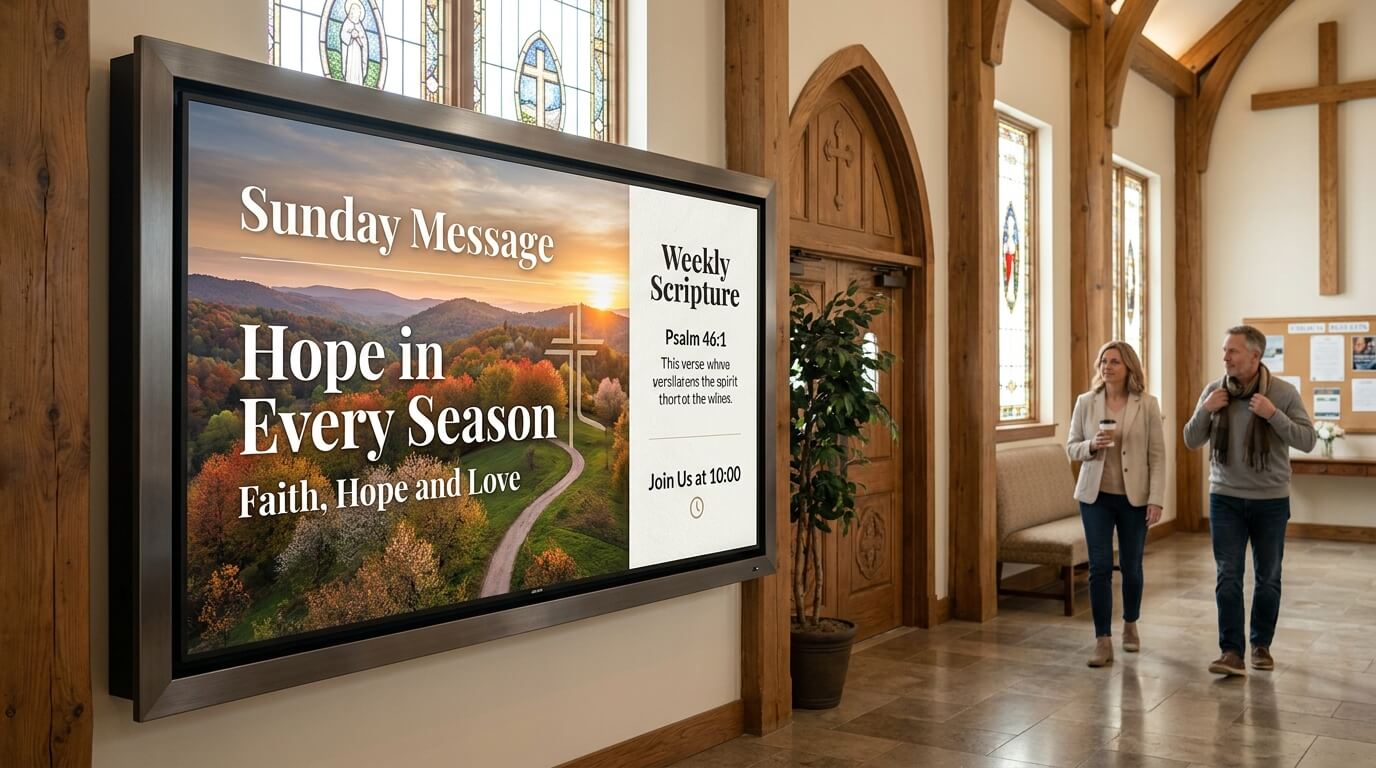
Scripture and sermon displays
Show Bible verses, sermon series artwork, or weekly themes on screens in the foyer or common areas.
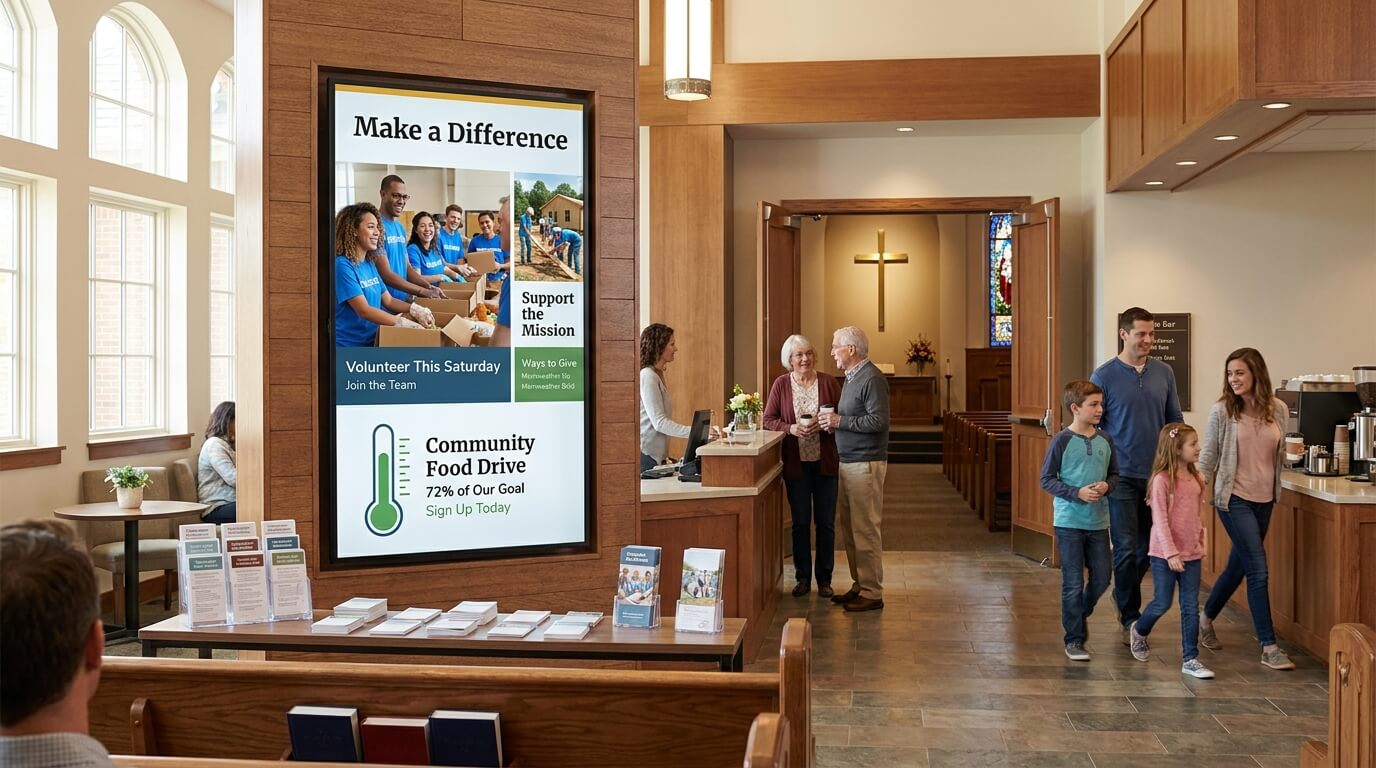
Giving and volunteer campaigns
Highlight donation drives, volunteer opportunities, and mission campaigns in a clear and consistent way.
Why churches choose TDM Signage

Simple to update
Anyone on your team can log in and update screen content from a web browser - no design skills or technical knowledge needed.

Less manual work
Stop printing and distributing bulletins for every update. Schedule content in advance and let your screens handle the communication automatically.

Consistent messaging across your building
Keep every screen in your church aligned with the same announcements, events, and branding - updated from one central location.

Multiple users, clear roles
Different team members can manage different screens or content areas, with user permissions that keep things organized.
Features built for church communications

Content scheduling
Plan your screen content in advance and set it to publish automatically - ideal for weekly services and recurring events.

Multi-screen management
Manage all the screens across your building from a single account, with the ability to show different content in different areas.

200+ ready-to-use templates
Get started quickly with a large library of templates you can customize with your own text, images, and colors.
User roles and permissions
Give different staff members or volunteers access to manage only the screens and content relevant to their role.