
How hospitals use digital signage
In a hospital environment, information needs to reach the right people at the right time.
From guiding patients through a large building to keeping staff informed during a busy shift, digital signage plays a practical role in daily operations. TDM Signage gives healthcare organizations the tools to manage all of this from a single, easy-to-use platform.
Keeping patients and visitors informed
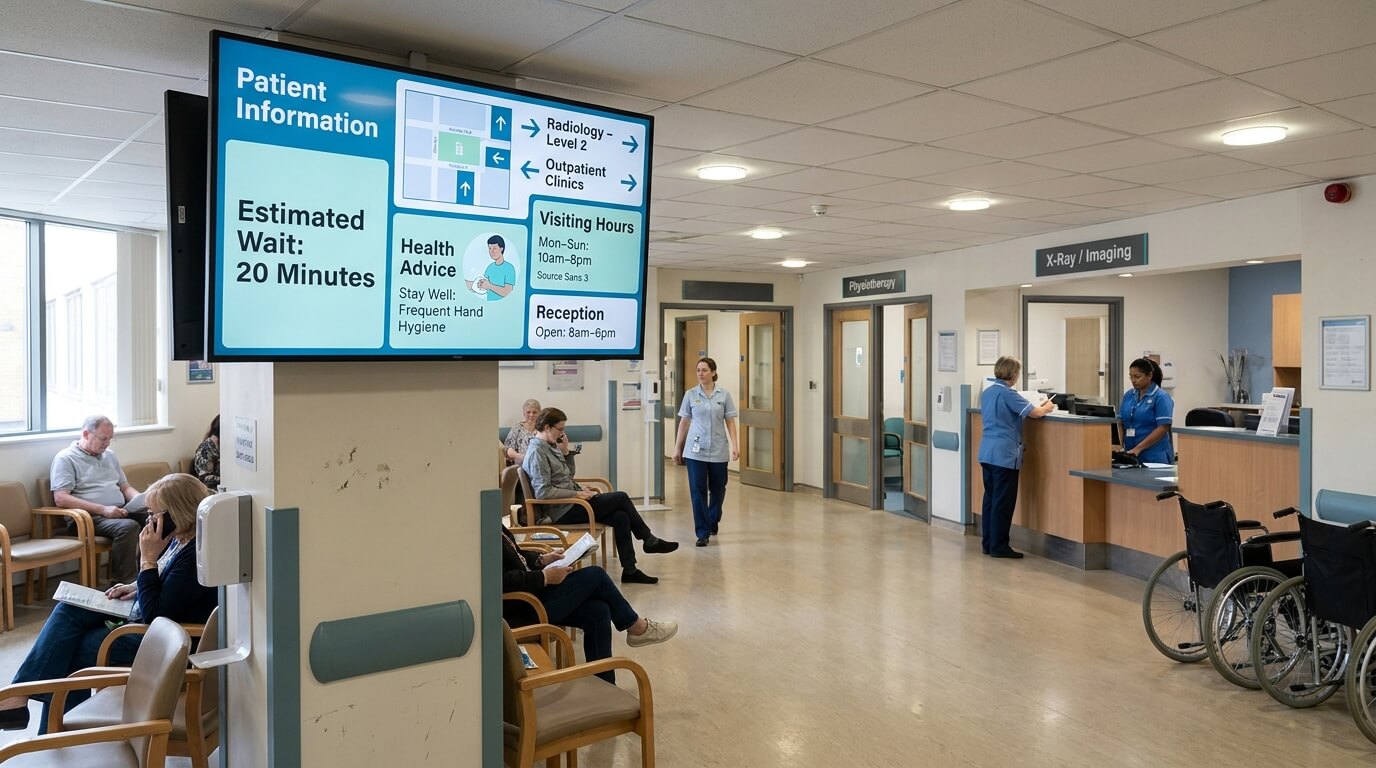
Waiting rooms, reception areas, and corridors all benefit from clear, up-to-date information on screen.
Hospitals can display estimated wait times, department directions, visiting hours, and general health information - reducing uncertainty and relieving pressure on reception staff.
Internal communication for staff
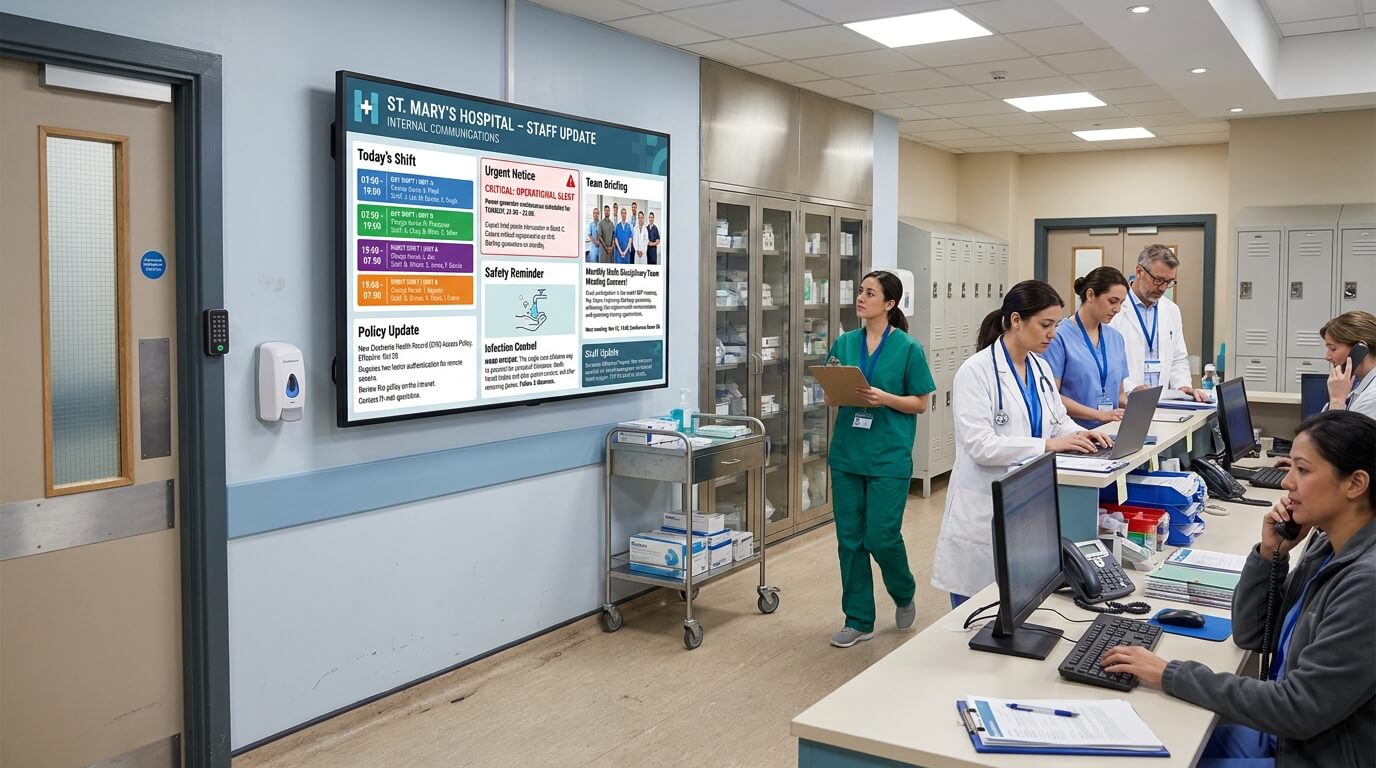
Keeping clinical and administrative teams aligned is a constant challenge in large healthcare facilities.
Digital screens in staff areas, break rooms, and nursing stations can display shift schedules, policy updates, safety reminders, and urgent notices - without relying on print or email.
Multi-location and multi-department management
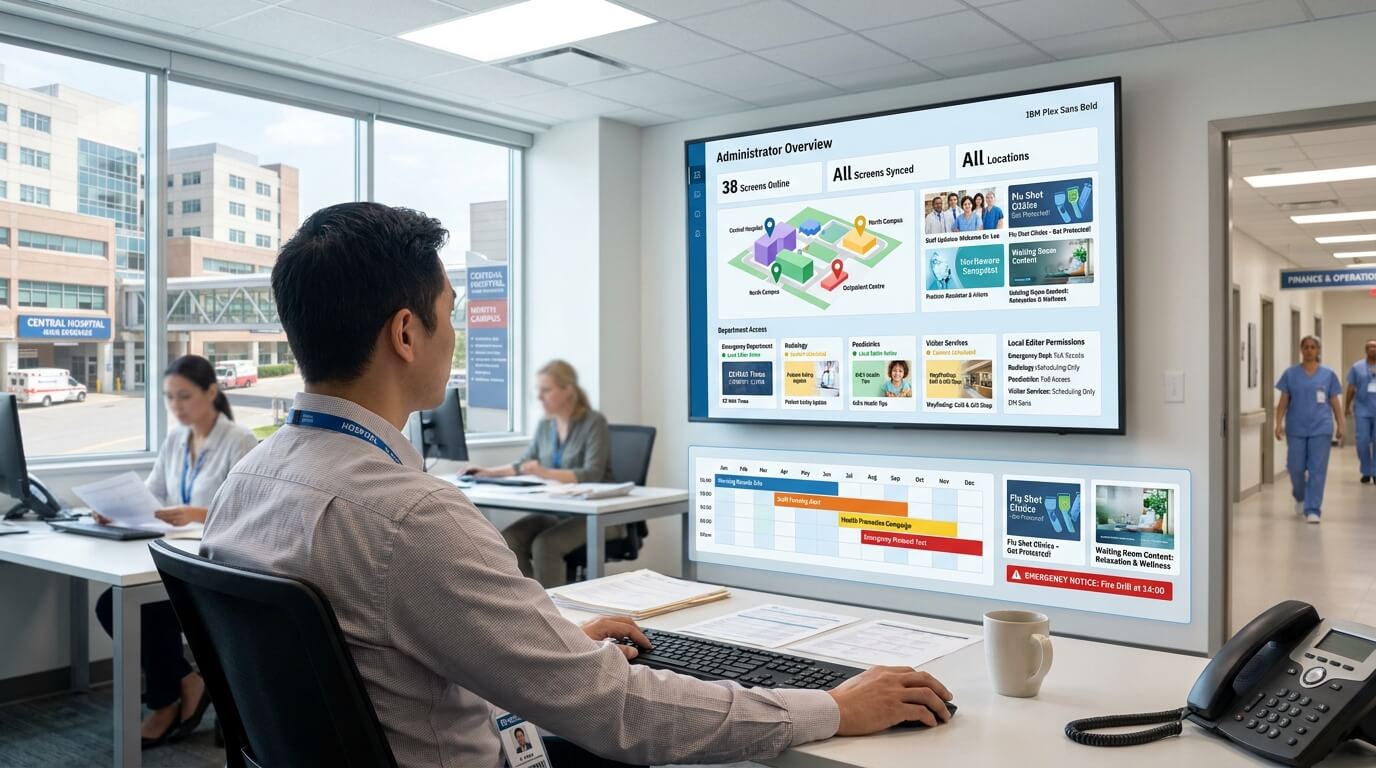
Large hospital networks often need to manage screens across multiple buildings or campuses.
TDM allows different departments or locations to control their own content while giving central administrators full oversight - all from a web browser.
Common uses of digital signage in hospitals
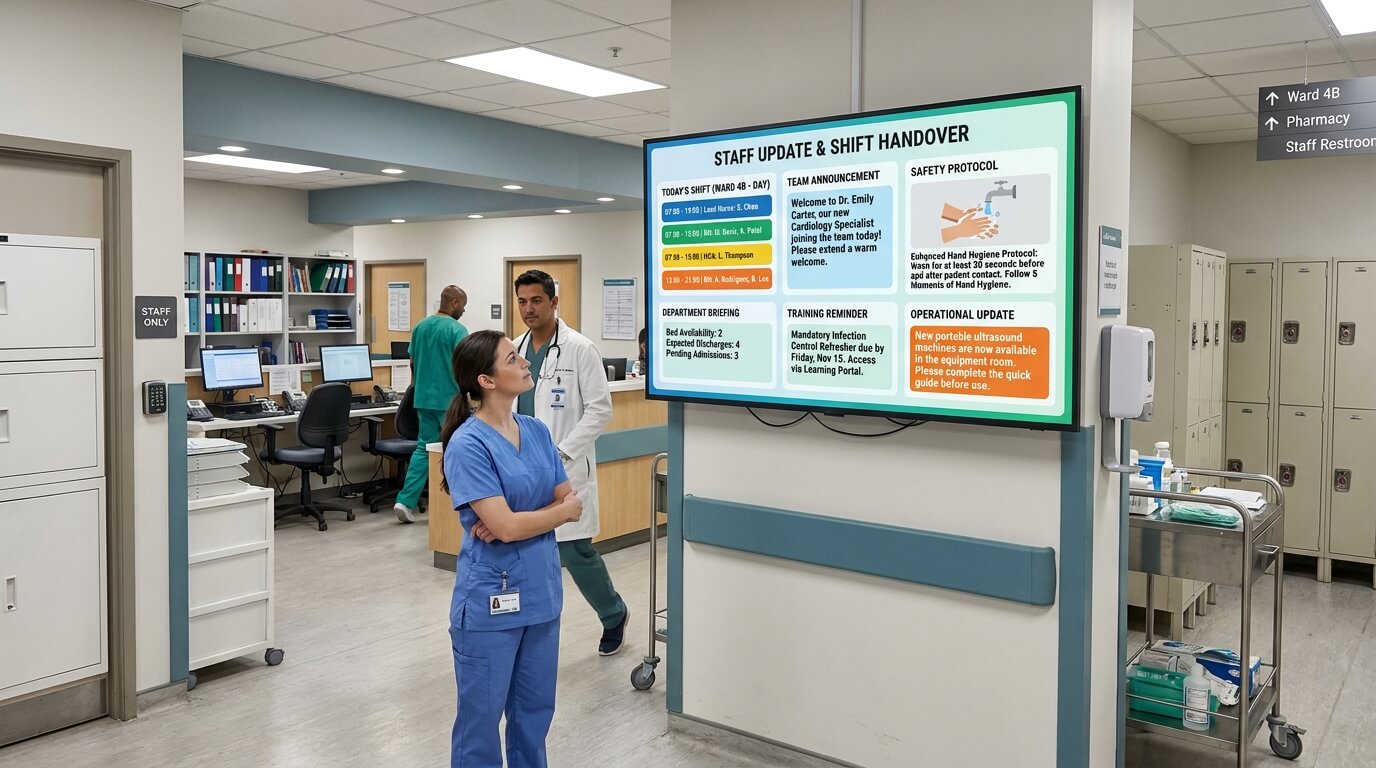
Staff communication boards
Share shift updates, internal announcements, and safety protocols on screens in staff-only areas, keeping teams informed without additional meetings or emails.
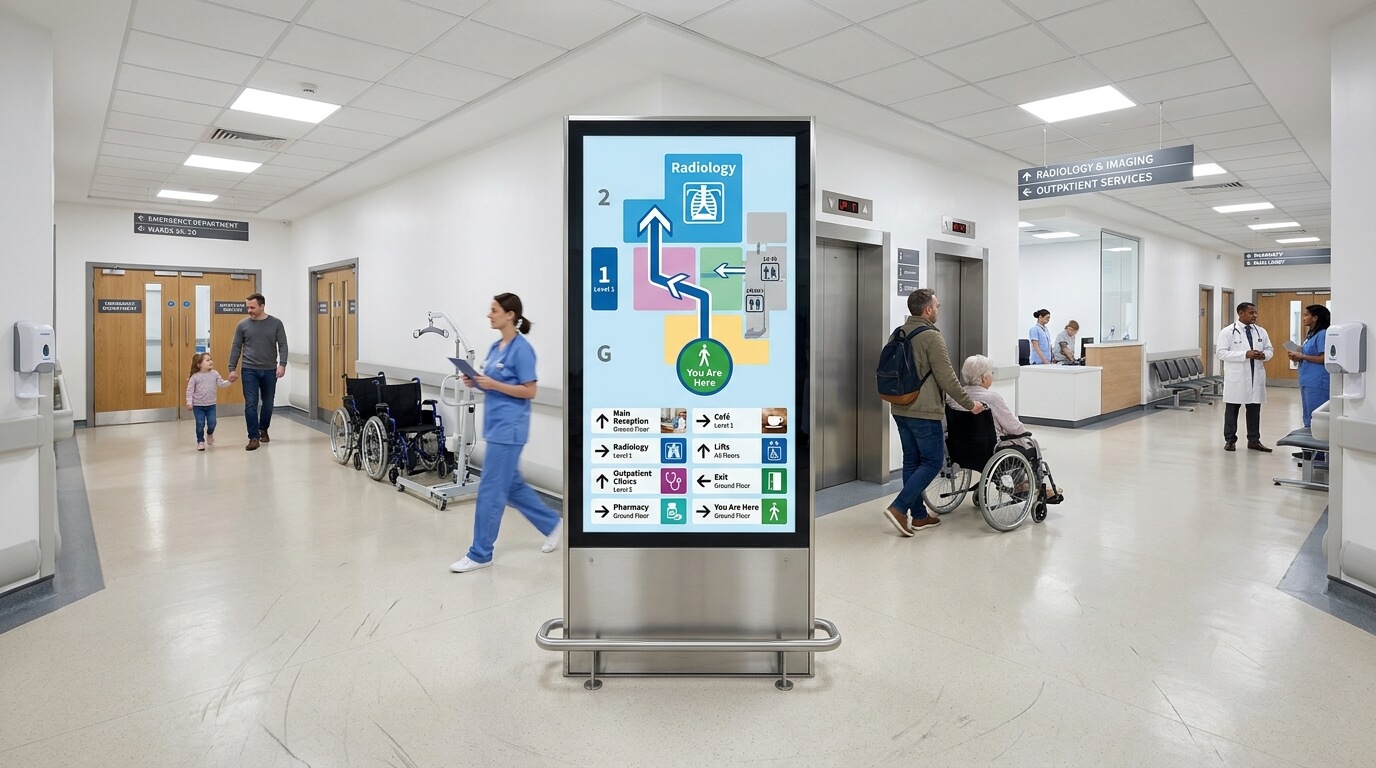
Wayfinding displays
Help patients and visitors navigate complex buildings with clear directional signage on screens throughout the facility.
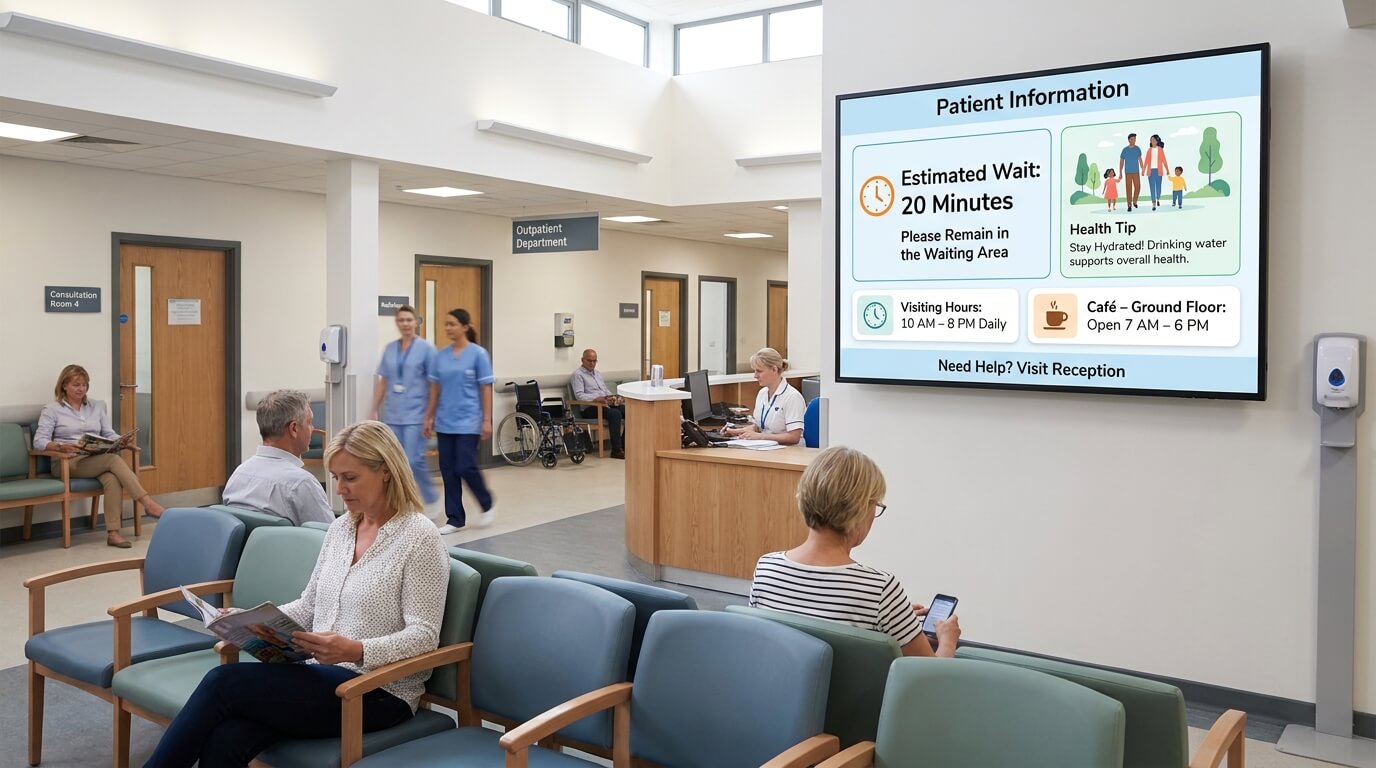
Waiting room screens
Display wait time estimates, general health tips, and facility information to keep patients informed and at ease while they wait.
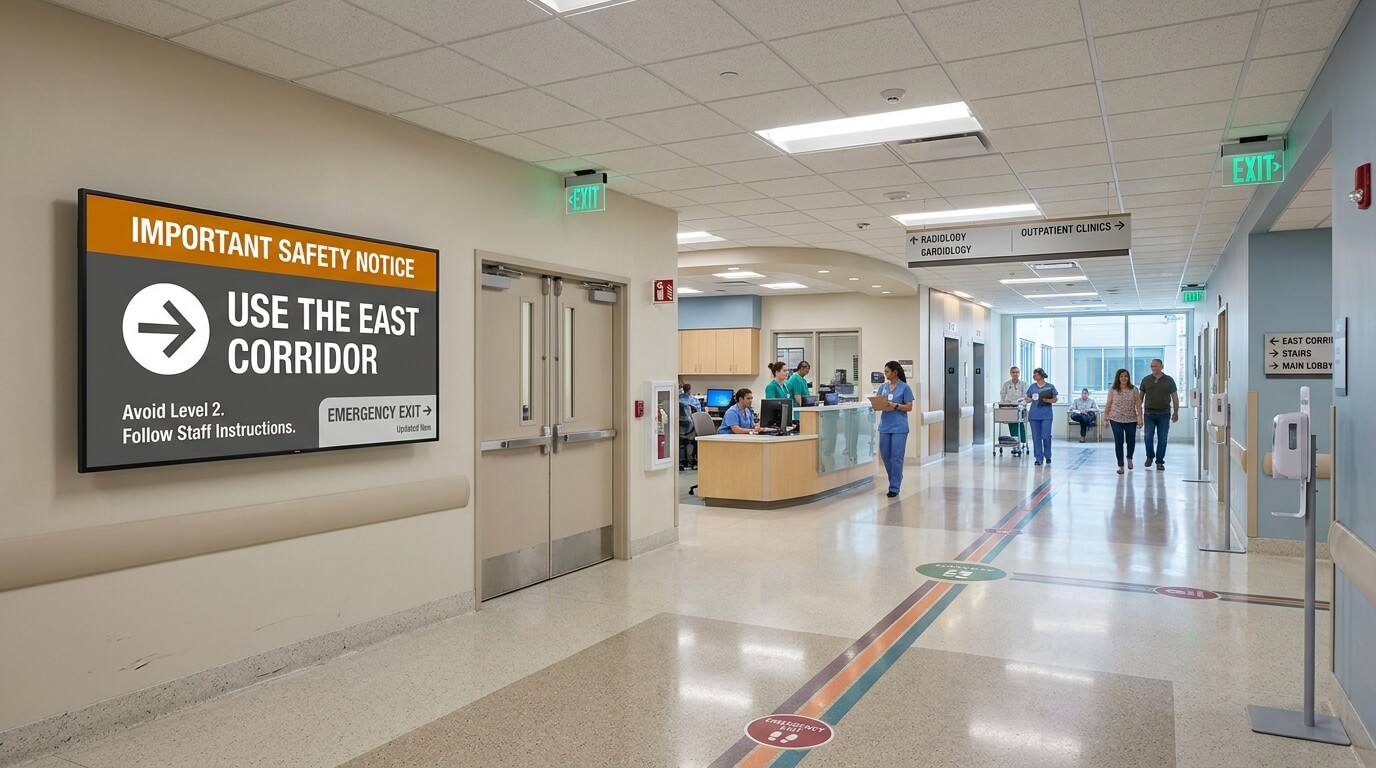
Emergency and safety messaging
Push urgent notices or safety instructions to all screens across the building instantly when it matters most.
What hospitals gain with TDM Signage

Faster content updates
Change what appears on any screen from your browser in seconds - no need to visit each display or rely on IT support for routine updates.

Less pressure on reception and admin teams
Screens that answer common questions - directions, wait times, visiting hours - reduce the volume of repeated inquiries at front desks.

Consistent messaging across departments
Ensure every department and location shows accurate, approved information. Avoid outdated posters or inconsistent notices that cause confusion.

Scalable across sites
Whether you manage one hospital or a network of facilities, TDM scales to fit. Add screens, locations, or users without changing your core setup.
Features built for healthcare environments

Role-based access control
Assign different permissions to department managers, content editors, and administrators - so each team only manages what they are responsible for.

Content scheduling
Plan content in advance and set it to appear automatically at the right time - useful for shift changes, visiting hours, or time-sensitive announcements.

Centralized multi-screen management
Control all screens across your facility from one web-based dashboard, without needing to be on-site.

Security and compliance
TDM is hosted in the EU, follows ISO 27001 standards, and is aligned with GDPR - designed to meet the requirements of healthcare IT and security teams.