
How schools use digital signage
Schools communicate with a wide range of audiences every day - students, staff, parents, and visitors. Digital signage for schools helps keep everyone informed without relying on printed notices or manual updates.
From the main entrance to the classroom corridor, screens can display the information people need, updated as often as required, without requiring technical knowledge to manage.
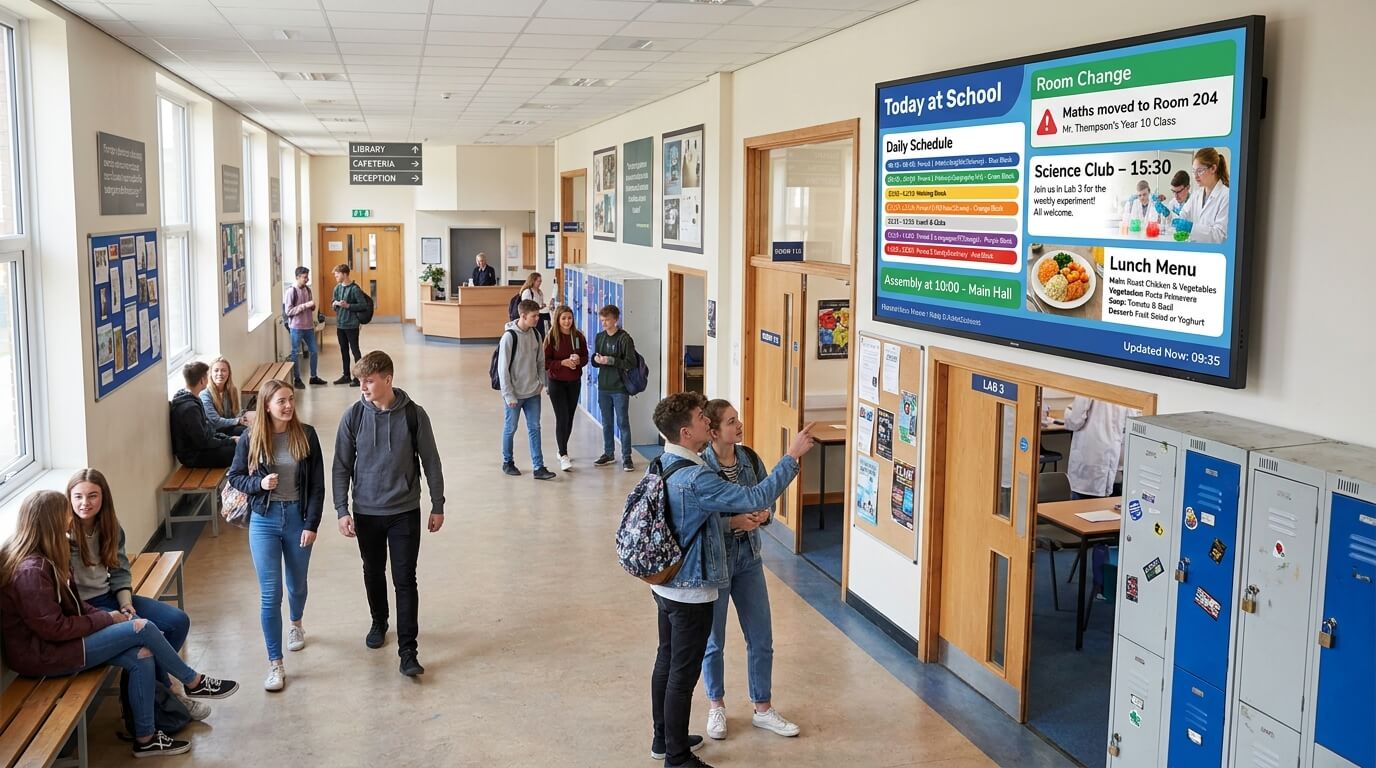
Daily announcements and schedules
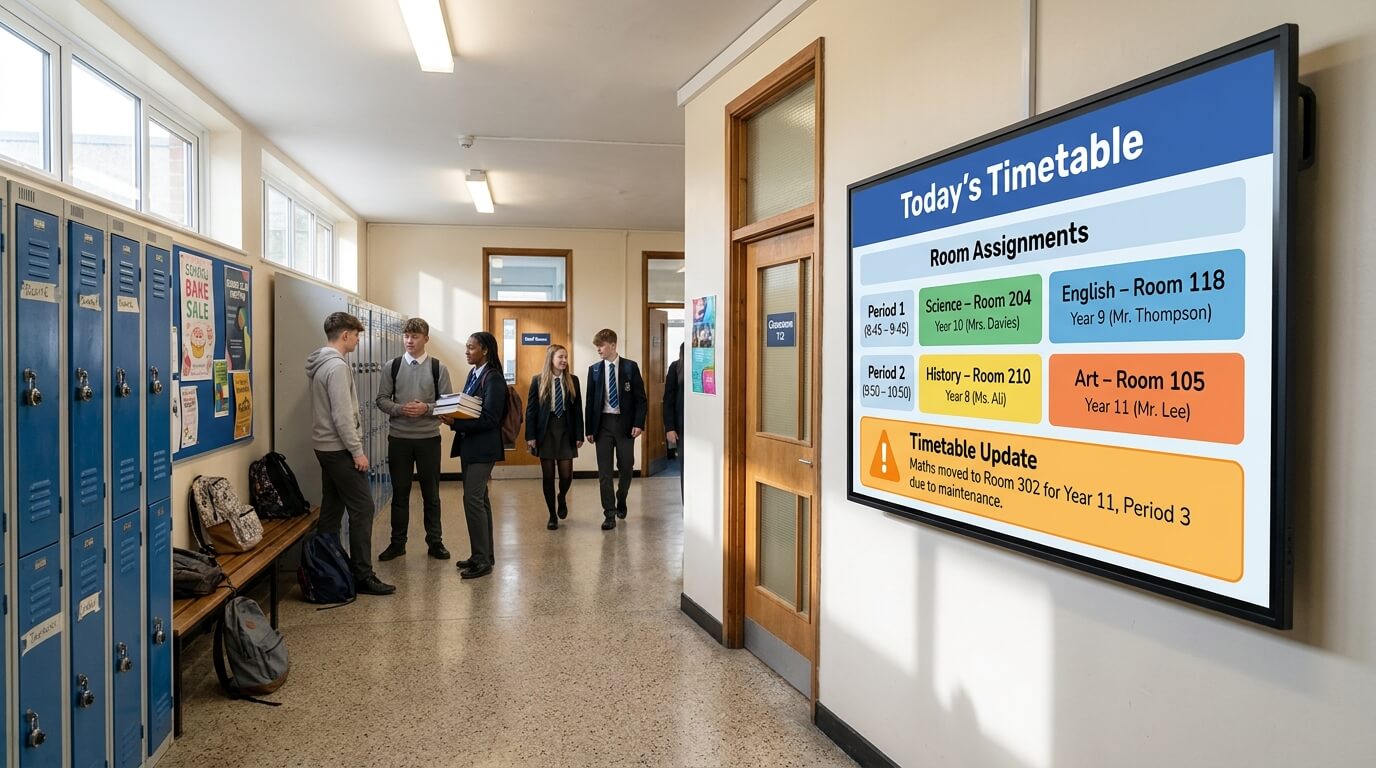
Timetables, room changes, event reminders, and lunch menus can all be displayed across campus screens and updated in real time.
Staff can make changes from any web browser, without needing IT support or on-site access to each display.
Visitor and wayfinding information
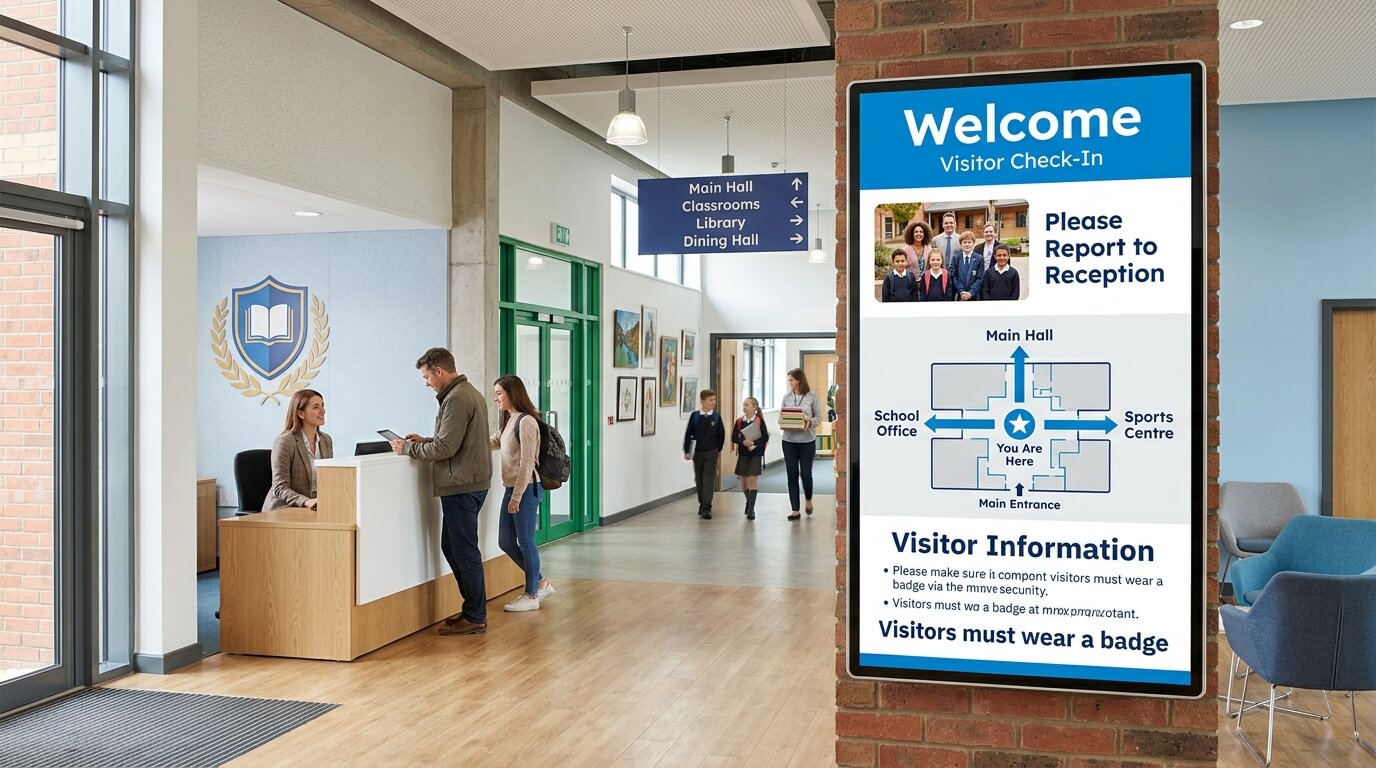
Screens in reception areas and main entrances can guide visitors, display check-in instructions, and share safety information.
This reduces the workload on front-desk staff and gives visitors a clear first impression of the school.
Campus-wide safety messaging
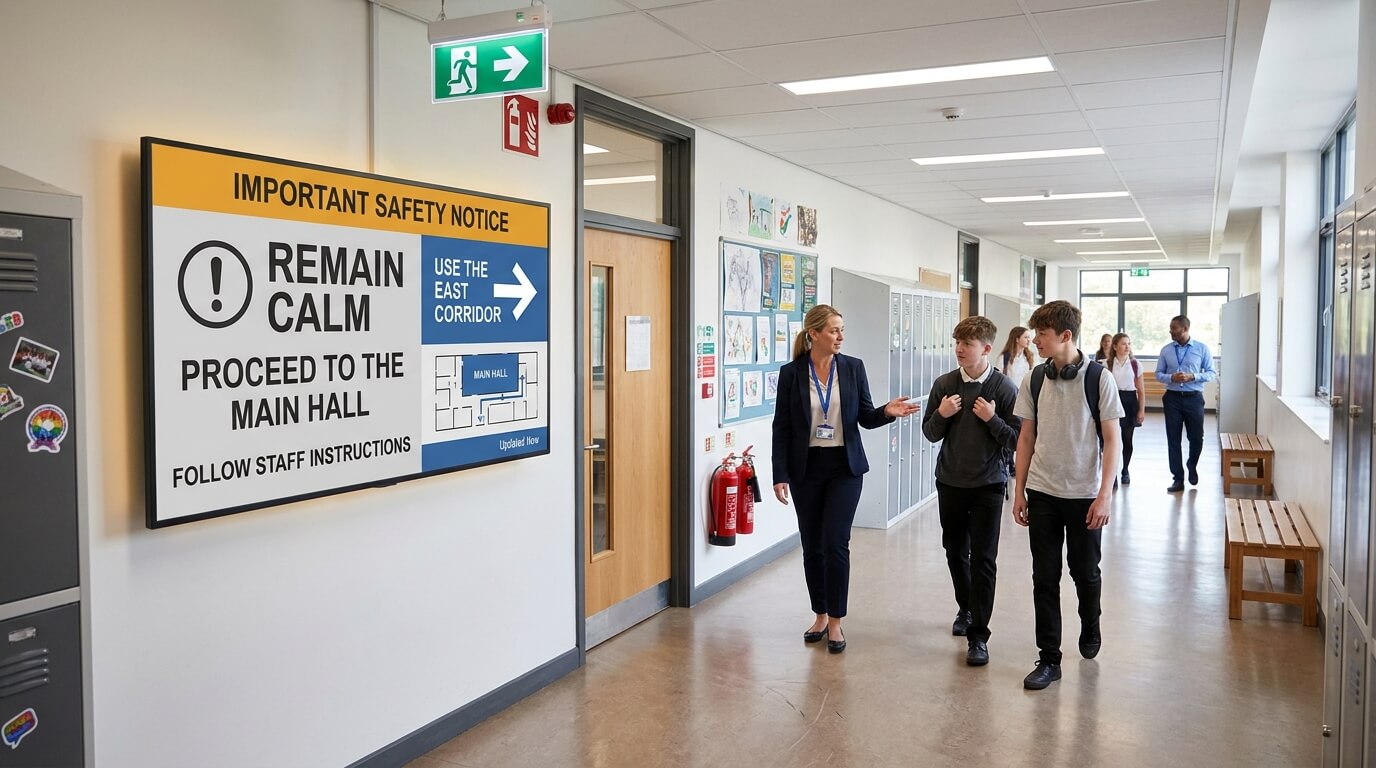
In urgent situations, schools need to communicate quickly and consistently.
TDM allows safety messages to be pushed to all screens across the campus immediately, ensuring everyone receives the same information at the same time.
Common uses of digital signage in schools
Timetable and schedule displays
Show daily class schedules, room assignments, and timetable changes on screens throughout the building. Updates publish instantly across all relevant displays.
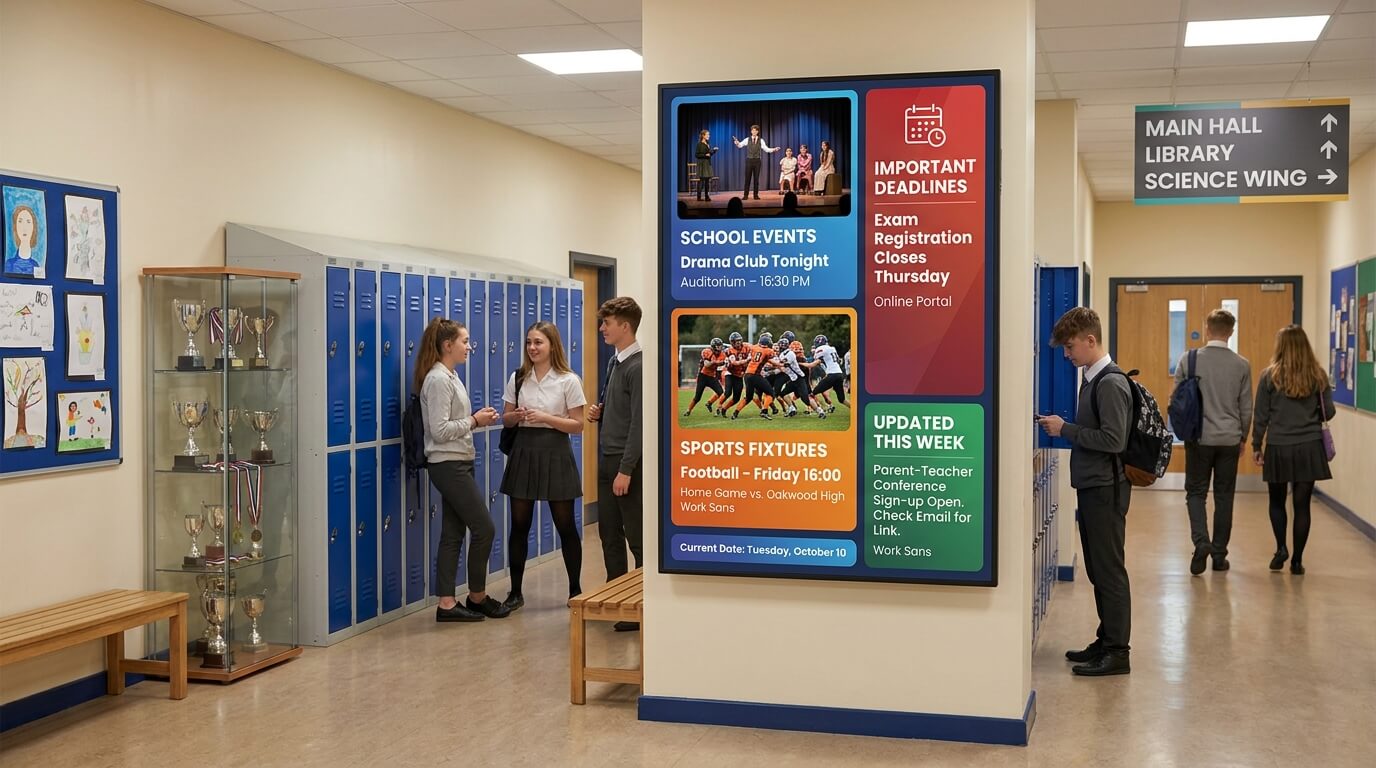
Event and Announcement Boards
Promote school events, sports fixtures, and important deadlines on screens in hallways and common areas. Content can be scheduled in advance and removed automatically when no longer needed.
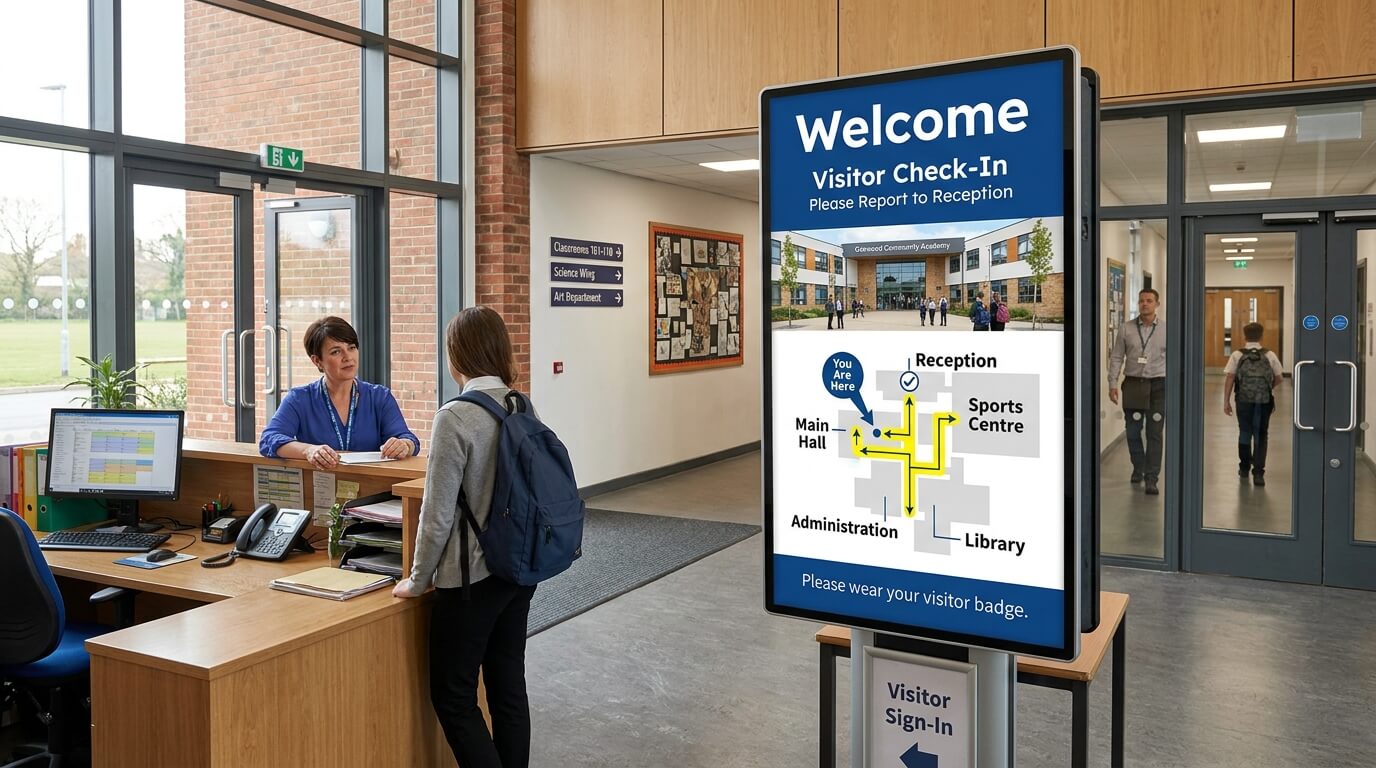
Wayfinding and visitor guidance
Help visitors, new students, and parents navigate the campus with clear directional information displayed at entrances and key decision points.
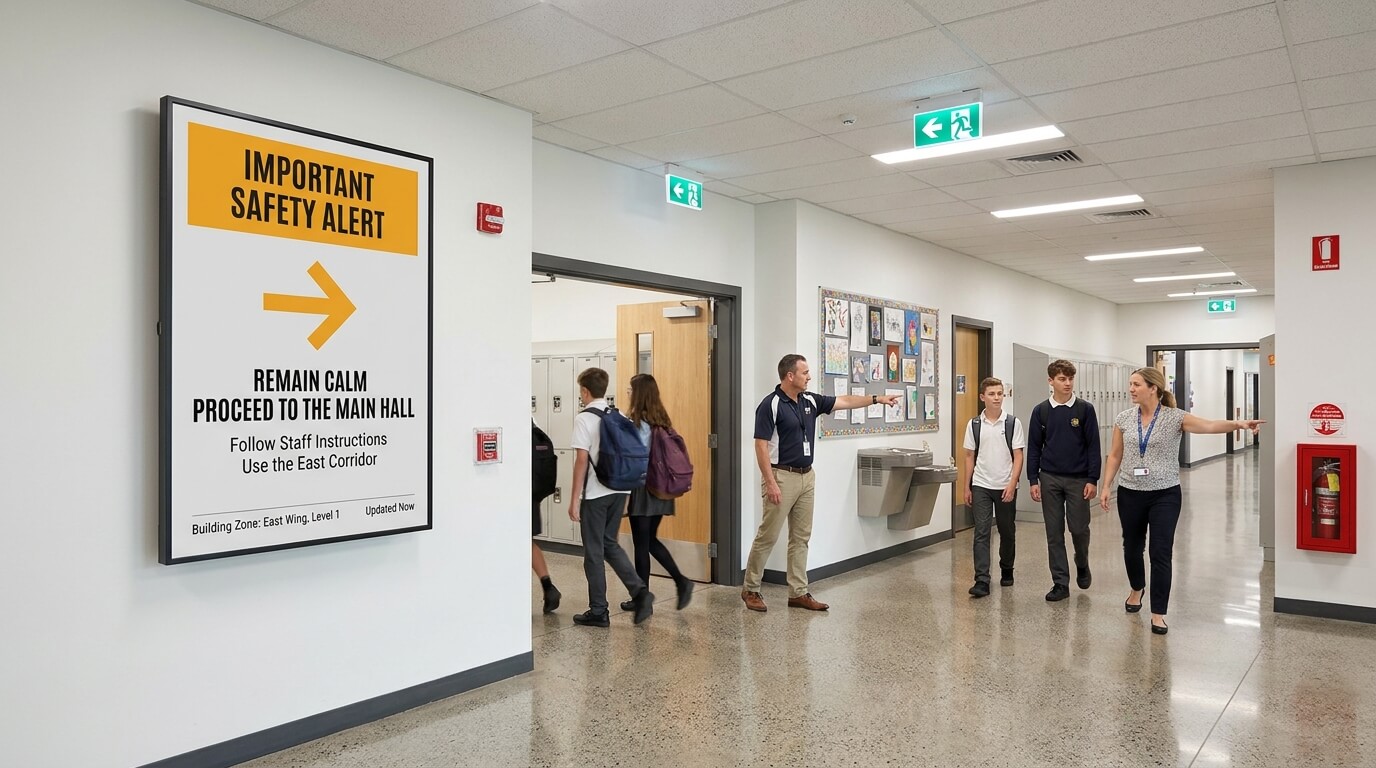
Emergency and safety alerts
Push urgent messages to every screen on campus immediately. Keep students and staff informed during drills, lockdowns, or other time-sensitive situations.
What schools gain with TDM Signage

Less time spent on manual updates
Content can be updated remotely from a web browser in minutes. No more printing, posting, or walking around campus to swap out notices.

Consistent communication across campus
Every screen shows the correct, up-to-date information at the same time. There is no risk of outdated notices remaining on display after changes are made.

Multiple staff can manage content
Different departments or staff members can manage their own screens and playlists. Role-based access means each person sees only what they need to manage.

Scheduled content without extra effort
Content can be prepared in advance and scheduled to go live automatically. School events, term dates, and recurring announcements can all be set up once and run on their own.
Features built for school environments

Web-based content management
Manage all screens and content from any web browser. No software installation required on the device you use to manage the system.
Content scheduling
Plan content in advance and set it to go live and expire automatically. Useful for recurring events, term calendars, and time-sensitive announcements.
Multi-user access with role permissions
Give different staff members access to manage specific screens or content areas. Permissions can be set to match each person's responsibilities.

Calendar integration
Connect with existing school calendars to automatically pull in events and scheduled activities, reducing the need for duplicate data entry.