
How hotels use digital signage software
From check-in to checkout, hotels communicate with guests at every step. Digital screens help deliver that communication consistently - from welcome messages and facility promotions to event schedules.
With the right digital signage software for hotels, staff spend less time on manual updates and more time focused on guests.
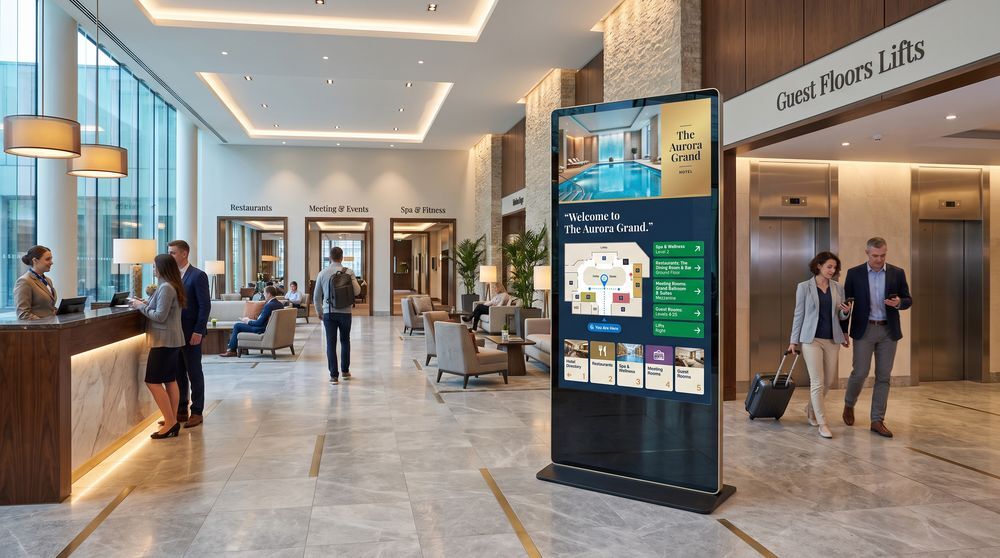
Guest information and wayfinding
Hotels often cover large footprints with multiple floors, restaurants, spa areas, and meeting rooms.
Digital screens in lobbies and corridors help guests navigate the property independently, reducing questions at the front desk and improving the overall experience.
Promoting on-property services
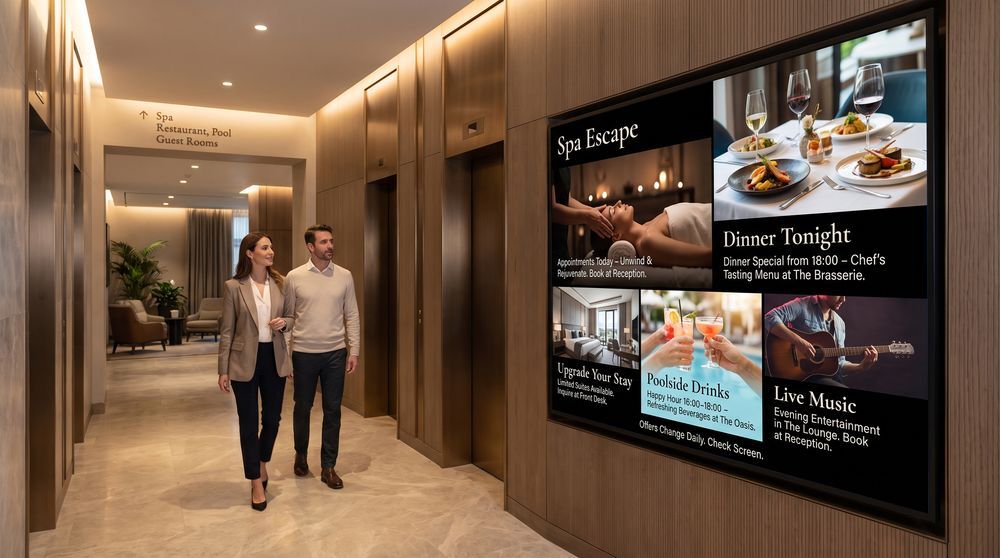
Screens placed in key areas - near elevators, in restaurants, or beside the pool - give hotels a direct channel to promote room upgrades, spa bookings, dining specials, and events.
Content can be scheduled by time of day and updated remotely without printing or replacing physical materials.
Conference and event communication
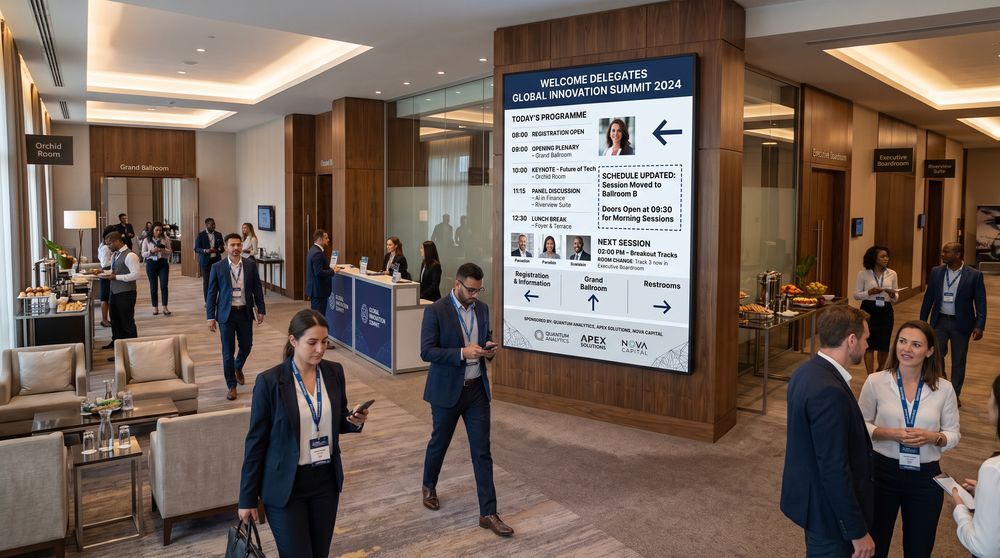
Hotels hosting business events or private functions need reliable signage to guide attendees, display schedules, and communicate room assignments.
Digital signage makes it easy to update event information in real time and manage multiple meeting rooms from a single dashboard.
Common uses of hotel digital signage
Lobby welcome displays
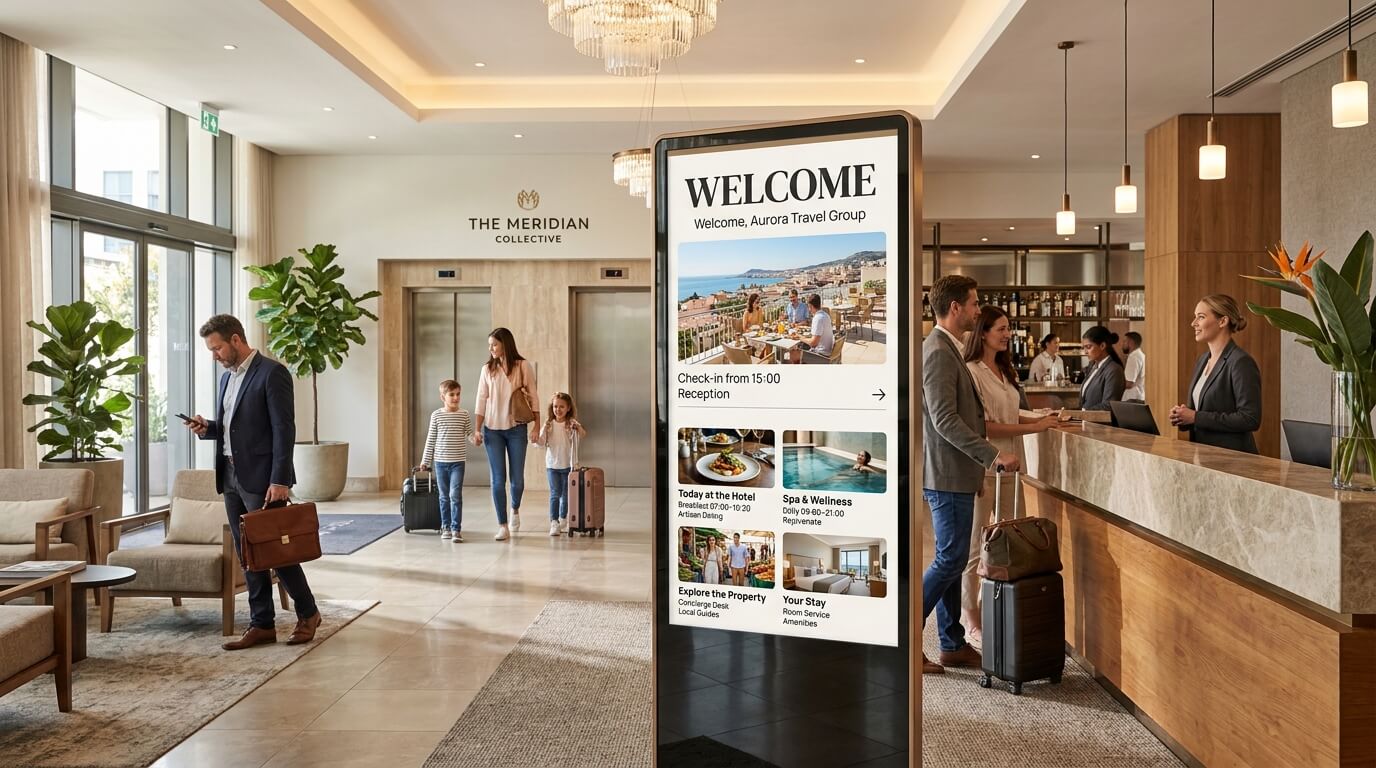
Greet arriving guests with personalized welcome messages, check-in information, and property highlights. First impressions start before a guest reaches the front desk.
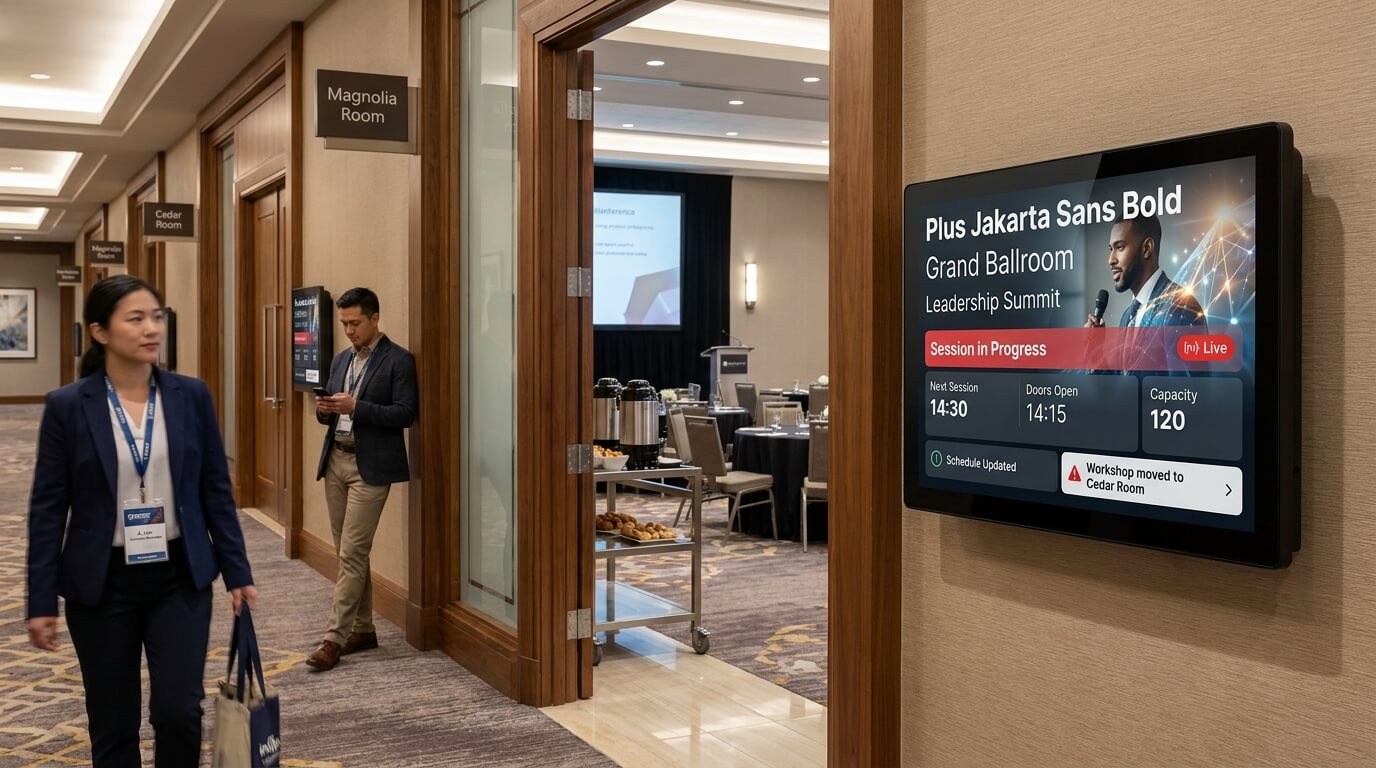
Event and meeting room displays
Show live schedules, room assignments, and event details on screens outside conference and banquet spaces. Keep attendees informed without printed agendas.
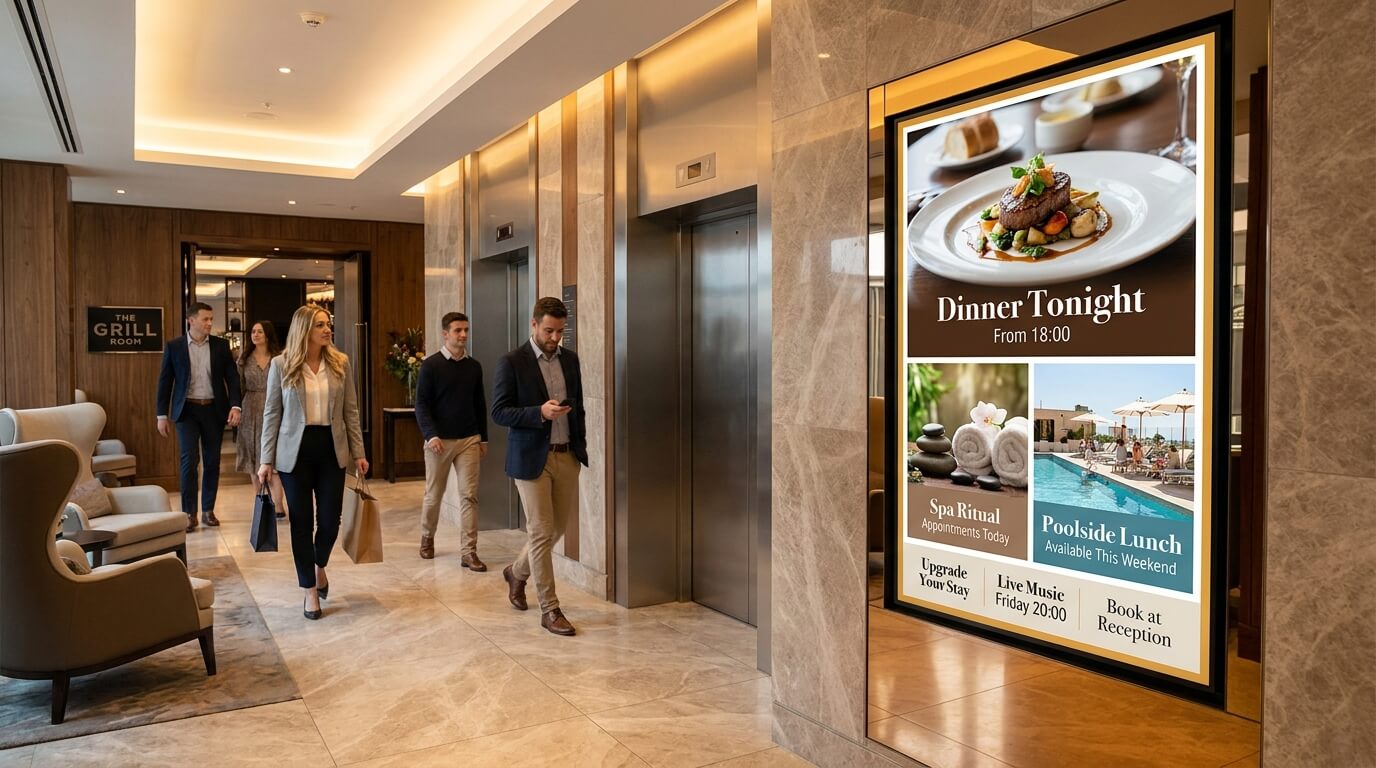
Promotional screens
Highlight dining specials, spa offers, and on-site experiences in high-traffic areas. Content is easy to schedule and update from any location.
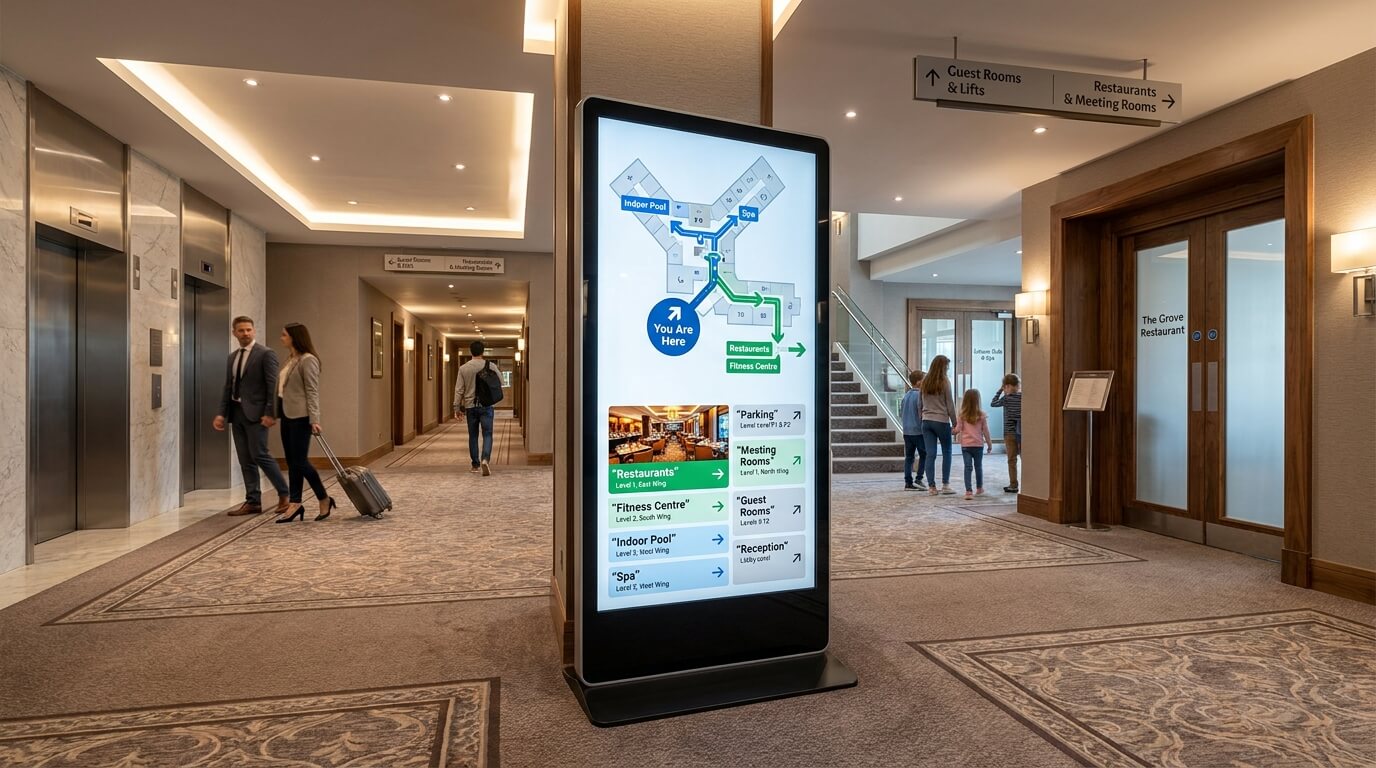
Wayfinding and directional screens
Help guests move around the property with clear directions to restaurants, gyms, pools, and parking. Reduces front desk interruptions and improves guest independence.
What hotels gain with TDM Signage

Centralized control across the property
Manage every screen - from the lobby to the restaurant - through one web-based platform. No need to visit each location to make updates.

Always-current content
Schedule content in advance or update it immediately. Event schedules, promotions, and guest messages stay accurate without manual intervention.

Consistent presentation
All screens display the same brand style, fonts, and quality. Whether a guest is in the lobby or on the third floor, the communication looks professional and cohesive.

Less work for staff
Reduce the time teams spend producing and distributing printed materials. Digital updates take minutes rather than hours.
Features designed for hotel operations
Content scheduling
Plan content by date, time, and location. Breakfast menus in the morning, event schedules in the afternoon - all set in advance without manual switching.

Multi-screen management
Control all screens across the property from a single dashboard. Assign different content to different areas and update them individually or all at once.

User roles and permissions
Give different team members access to manage only the screens relevant to their area. Front-of-house staff can update lobby content without affecting conference room displays.

Template library
Choose from over 200 ready-made templates to create professional-looking content quickly, without needing a designer.